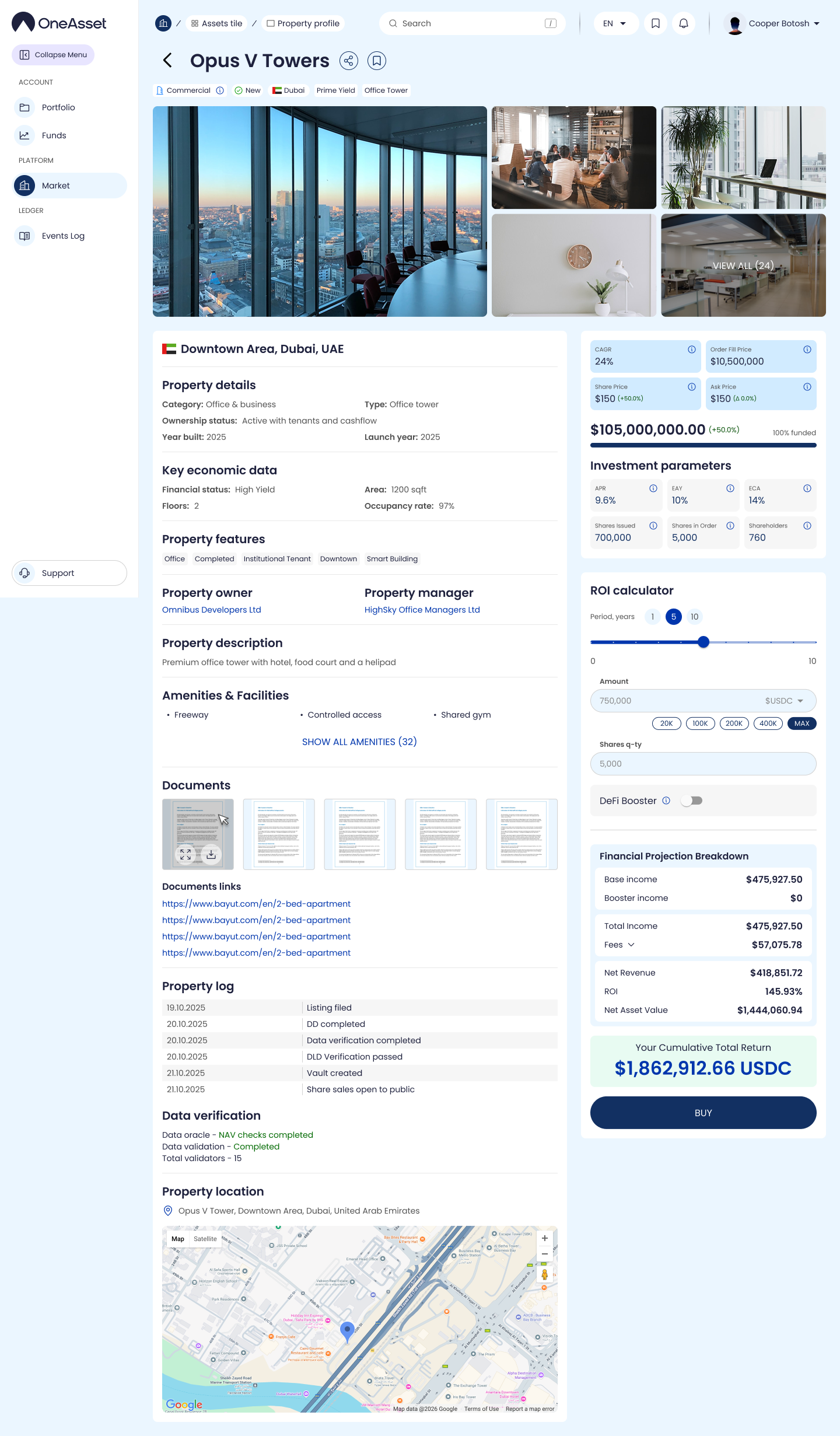
Property Page per Sell Order
Clicking Details opens a property page scoped to that specific sell offer. The buy block reflects the order settings (Partial Fill On/Off) and the sell offer parameters.
What you see
Property details (category/type, ownership status, build year, launch year)
Key economic data (area, floors, occupancy rate)
Features, owner, manager, description
Amenities & Facilities + “Show all amenities”
Documents (attachments/links)
Property log (listing/DD/verification/vault created/share sales open)
Data verification (oracle checks, validator counts)
Location + map
Offer + investment panel
CAGR
Share price, ask price, delta
Order fill price (depends on partial fill mode)
Shares issued, shares in order, shareholders count
ROI calculator (1y / 5y / 10y), amount entry, shares qty, optional booster toggle
Output: Base income, fees, net revenue, ROI, net asset value, cumulative total return
Buy button
Partial Fill On
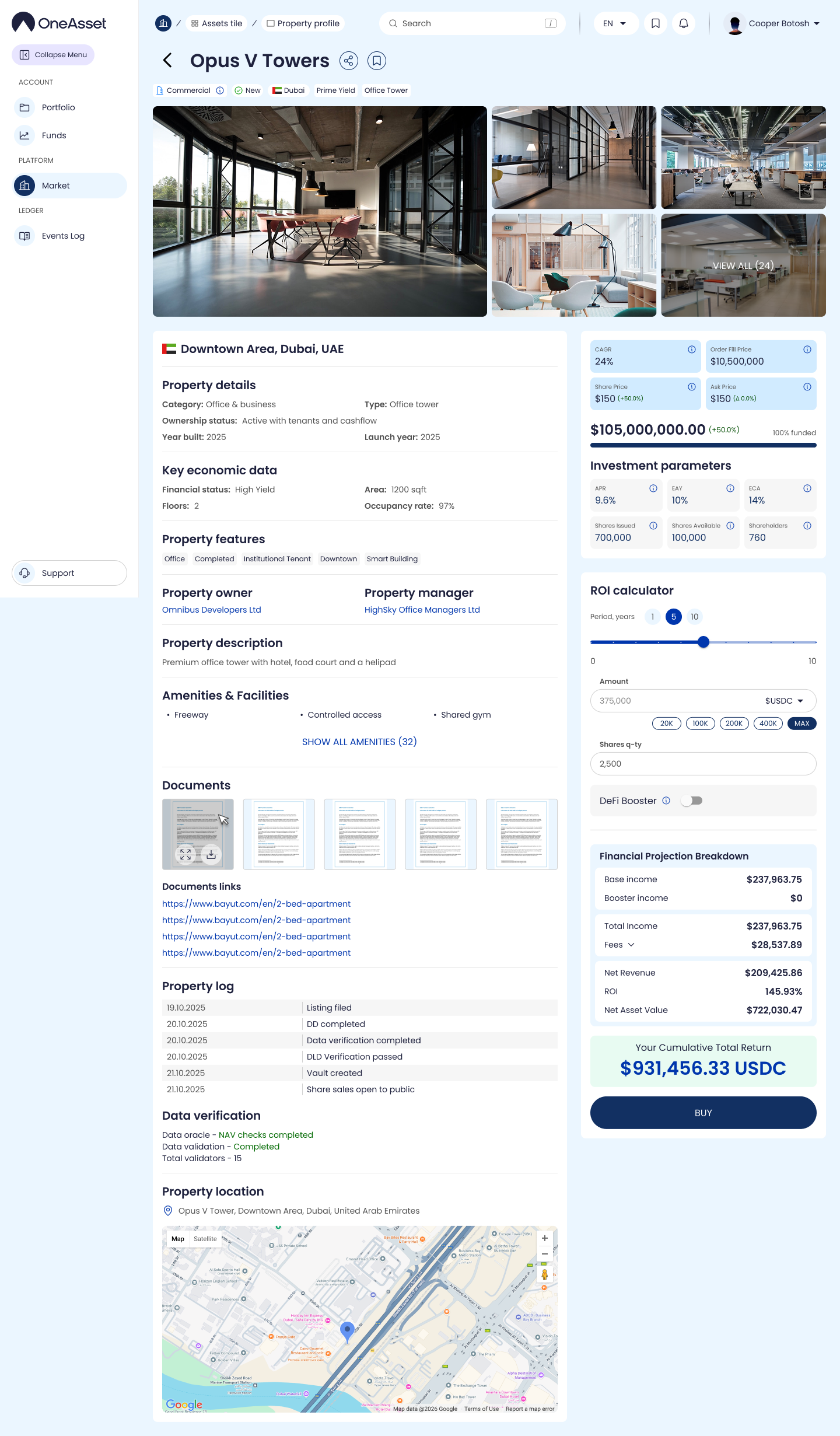
Partial Fill Off