Watchlist
Edited
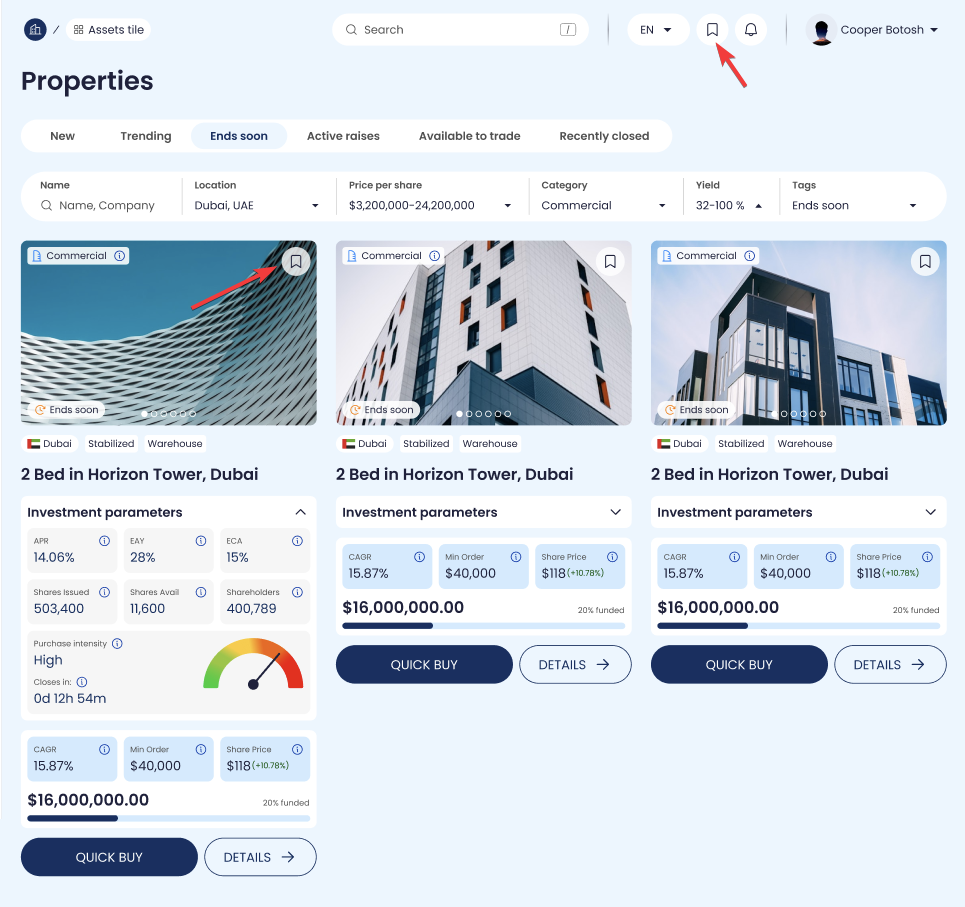
The Watchlist is a lightweight way for investors to save Properties they want to revisit. Instead of forcing users to make a decision immediately, Watchlist supports a “shortlist” workflow: scan → shortlist → compare → open details → buy.
Clicking the bookmark icon on a Property card adds it to Watchlist.
Clicking again removes it.
Watchlisted items are typically accessible via a Watchlist view (or a Watchlist filter) so users can focus only on saved Properties.
asset watchlist