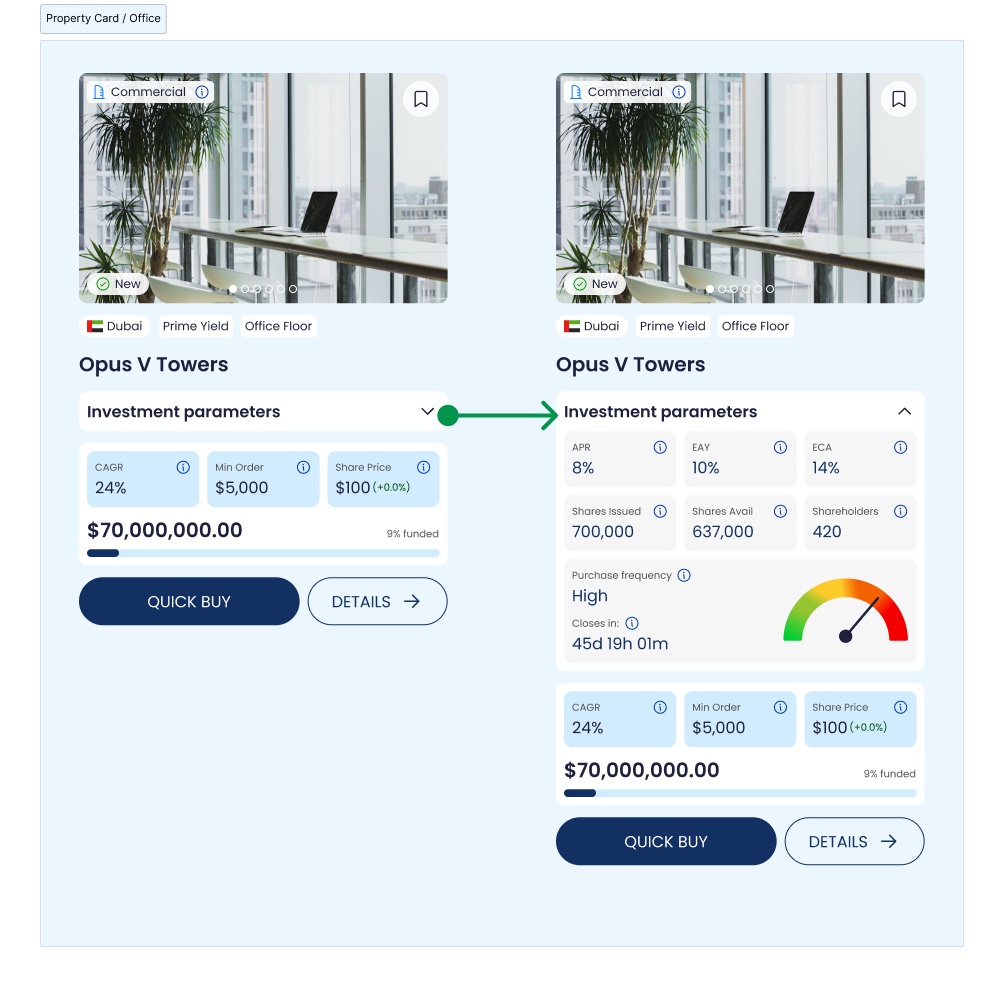
Market feed
The Market feed shows a grid of Properties that are available to view in the app. Each Property is presented as a card with enough information to make a quick “buy/don’t buy” decision—without forcing users to open every Property page.
Cards are typically organized by status (for example: Live, Ends soon, Completed) so users immediately understand whether an investment is currently available or only viewable as a record/preview.
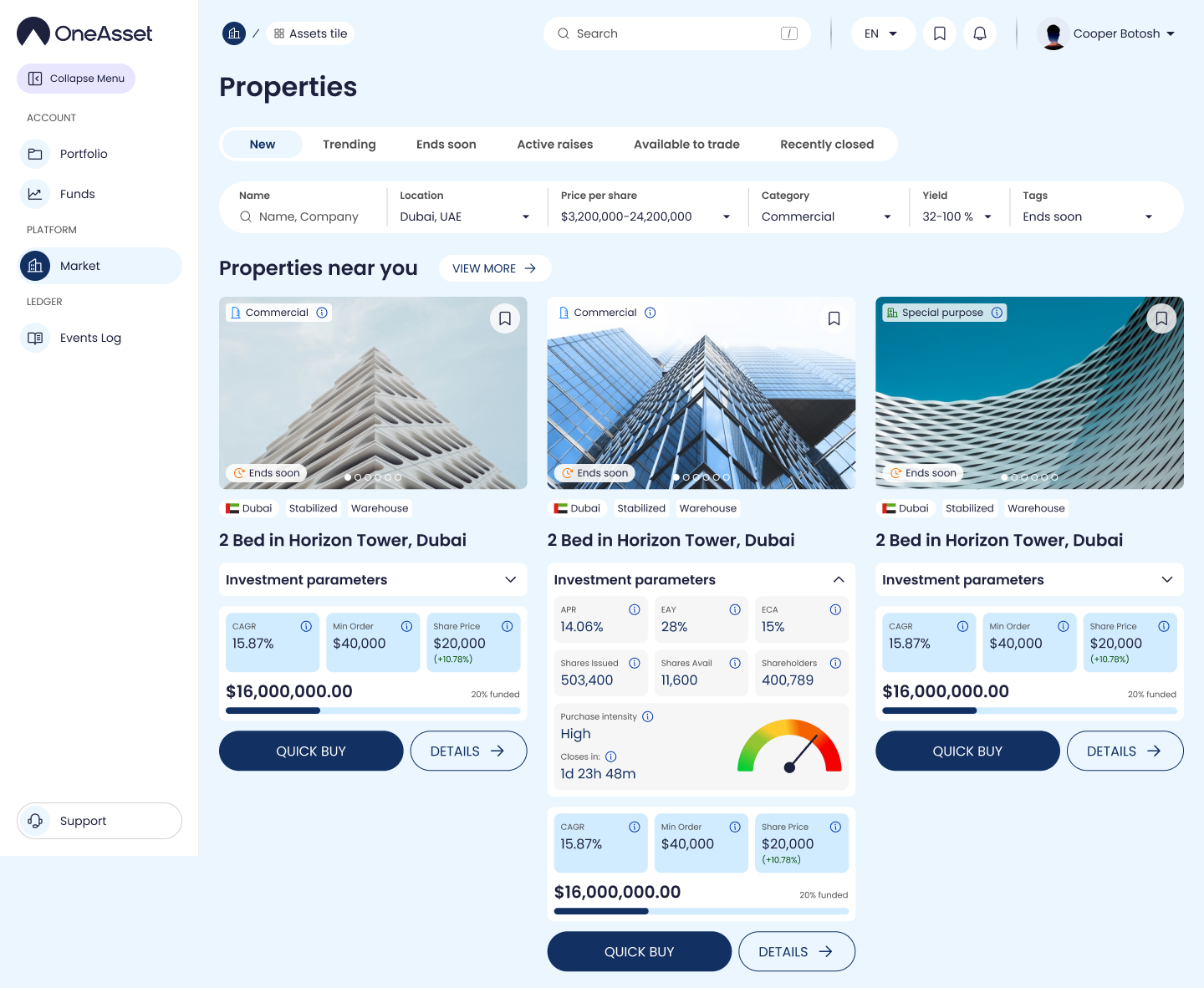
A Property card typically includes:
Property name and a short location label (city/country or area).
Property type (e.g., Residential, Hotel, Warehouse, Wind Farm, Stadium).
Share price in USDC (or minimum buy amount if that’s the primary constraint).
Yield indicators: headline yield and/or distribution cadence (net yield paid daily in USDC, if displayed here).
Availability / status badge (Live / Ends soon / Completed).
Progress indicator for fundraising (if the app shows raise progress at the Market level).
Quick actions such as Quick Buy, Details and Watchlist.