Browse and filter events
Edited
Browse and filter helps you locate an event by time, type, asset, or status.
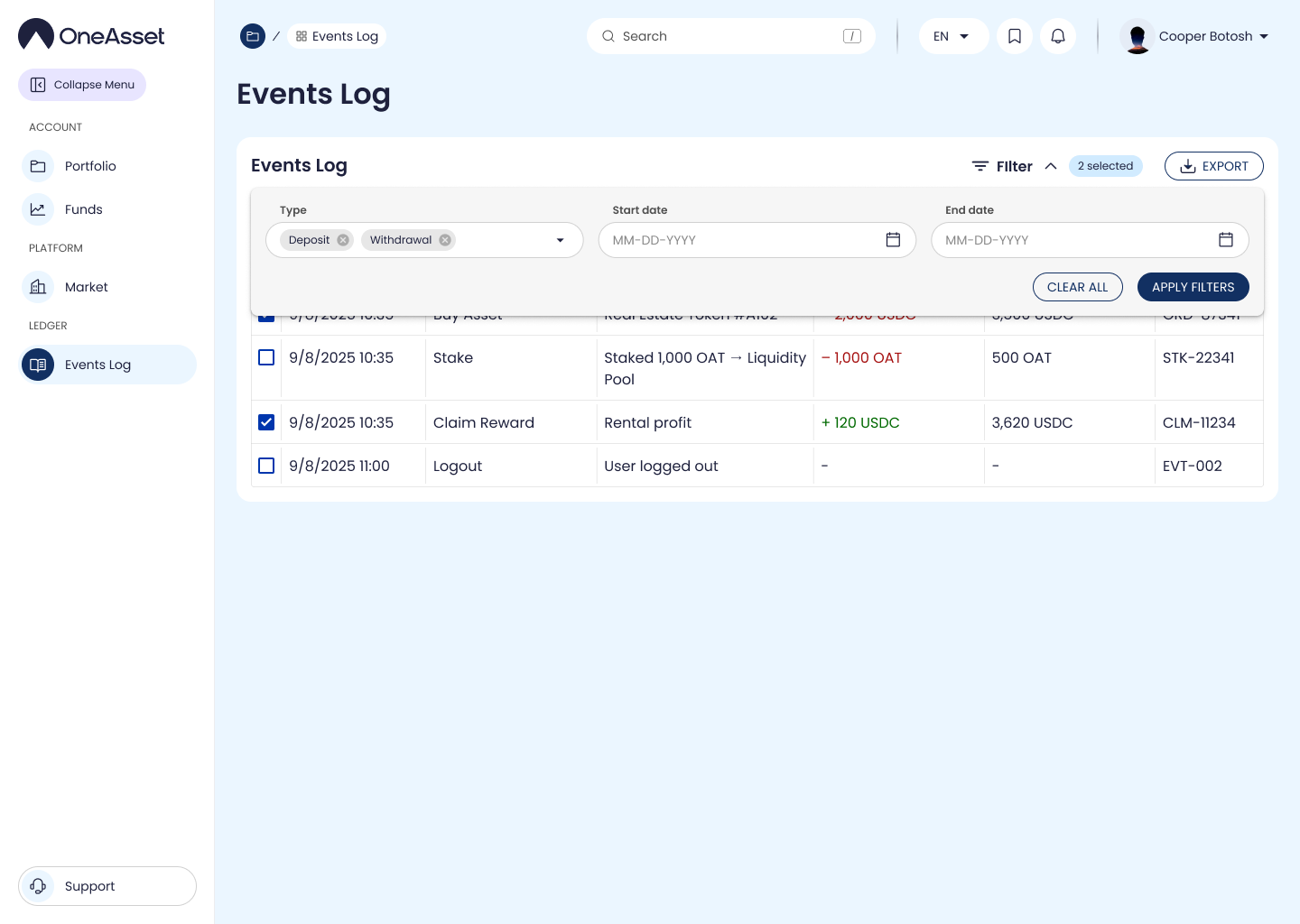
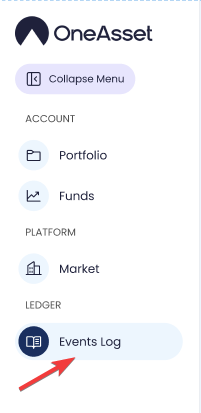
Open Events Log
Click Events Log in the sidebar to open it in the main content area.
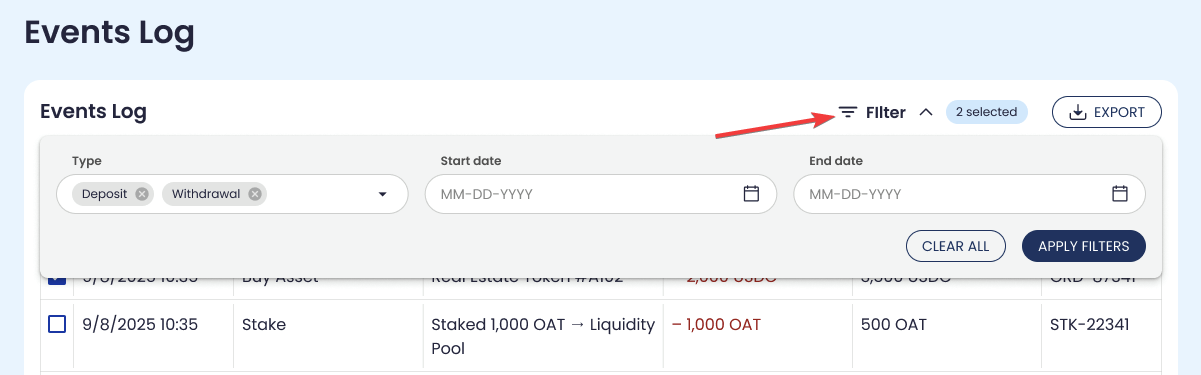
Filter events (as implemented)
Use available filters such as date range, event type, status, and asset/property name.
Filtering updates the event list to matching records.
events log
filter events