Wallet
Edited
Wallet lets you create your unique USDC wallet (after KYC) and view your wallet address for deposits and distributions.
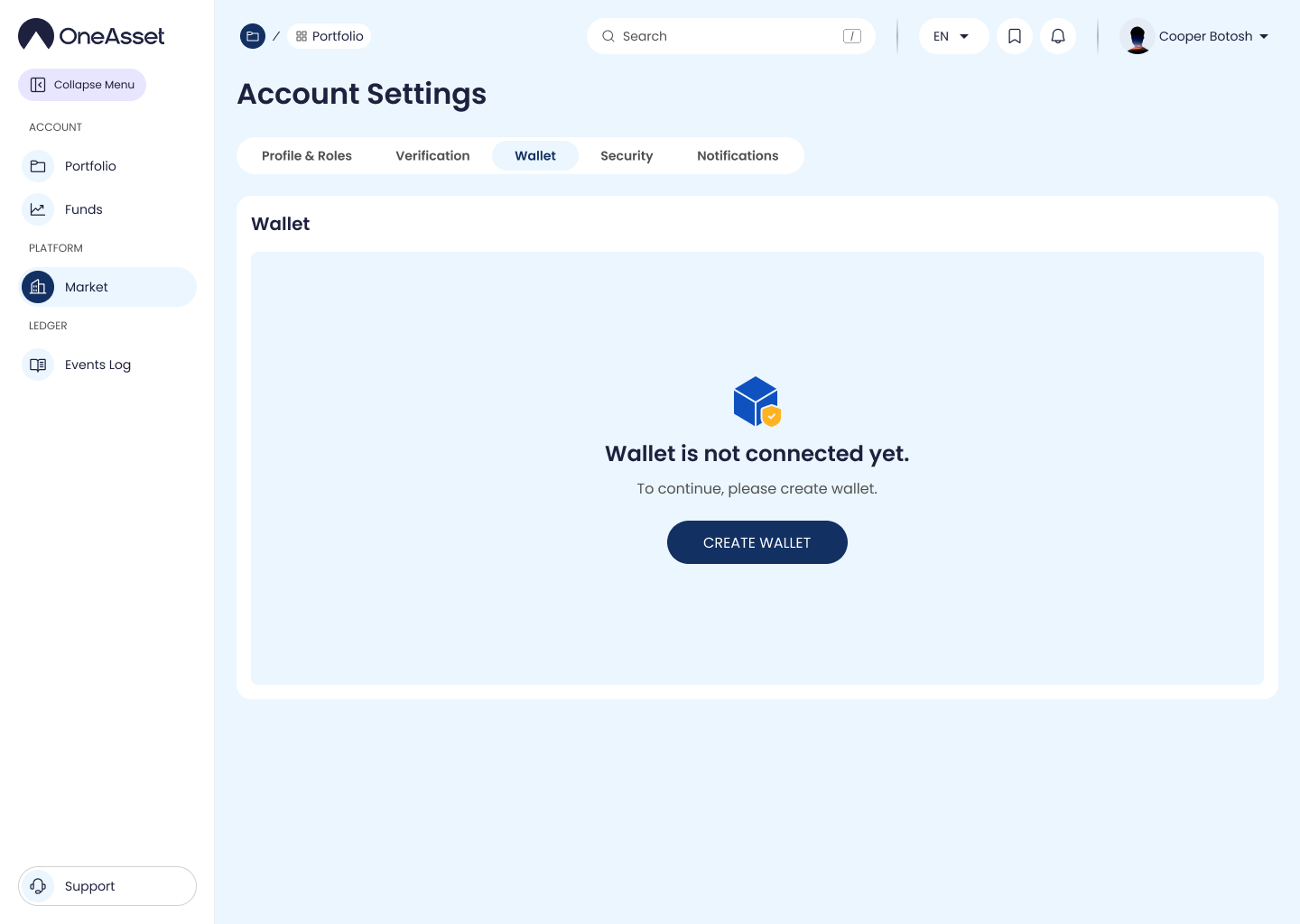
Create USDC wallet
Click Create Wallet to generate your unique USDC wallet address.
Wallet creation is available only if KYC is completed.
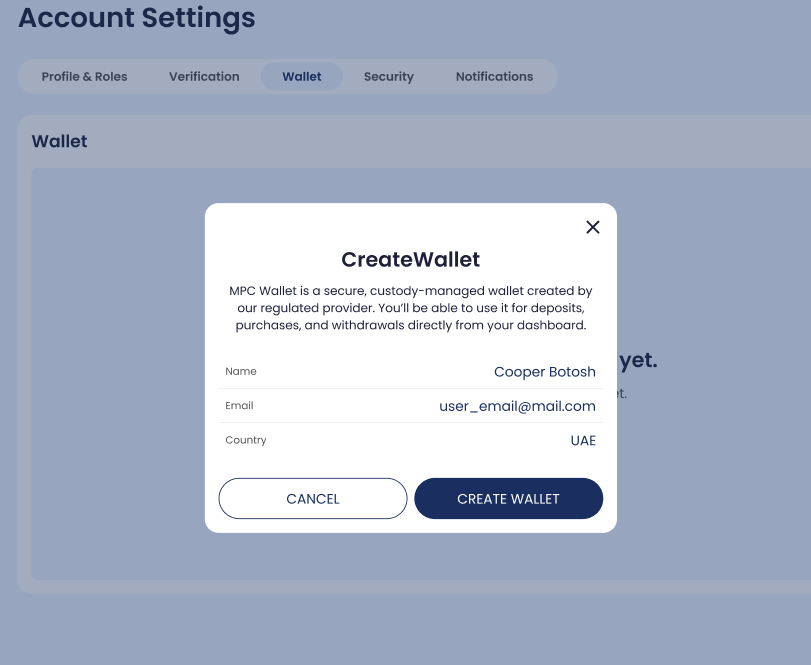
KYC gate (popup)
If KYC is not completed, clicking Create Wallet opens a popup asking you to finish KYC first.
Click Go to KYC to continue identity verification, or Cancel to return.
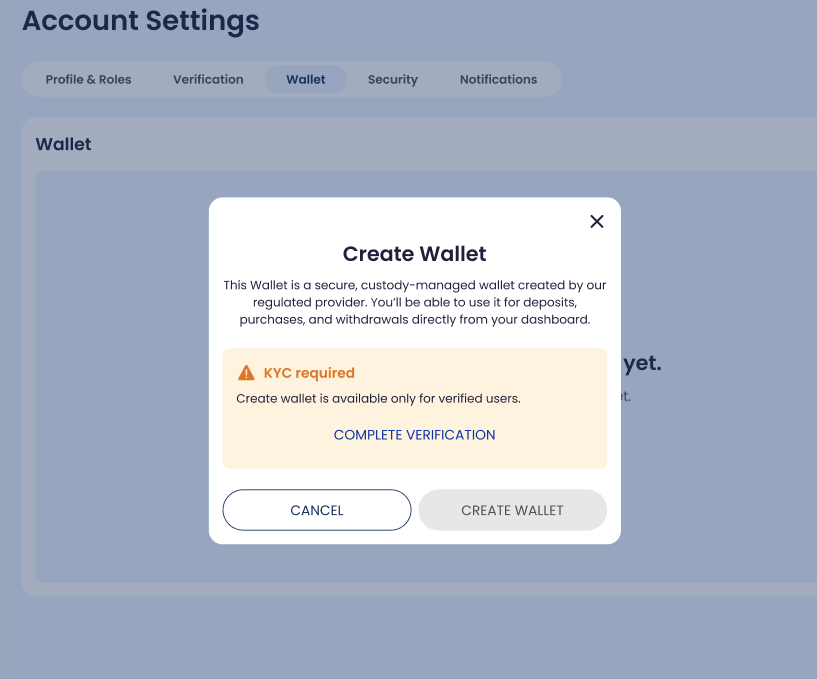
Wallet details (after creation)
After creation, the page shows your USDC wallet address.
Click Copy to copy the address.
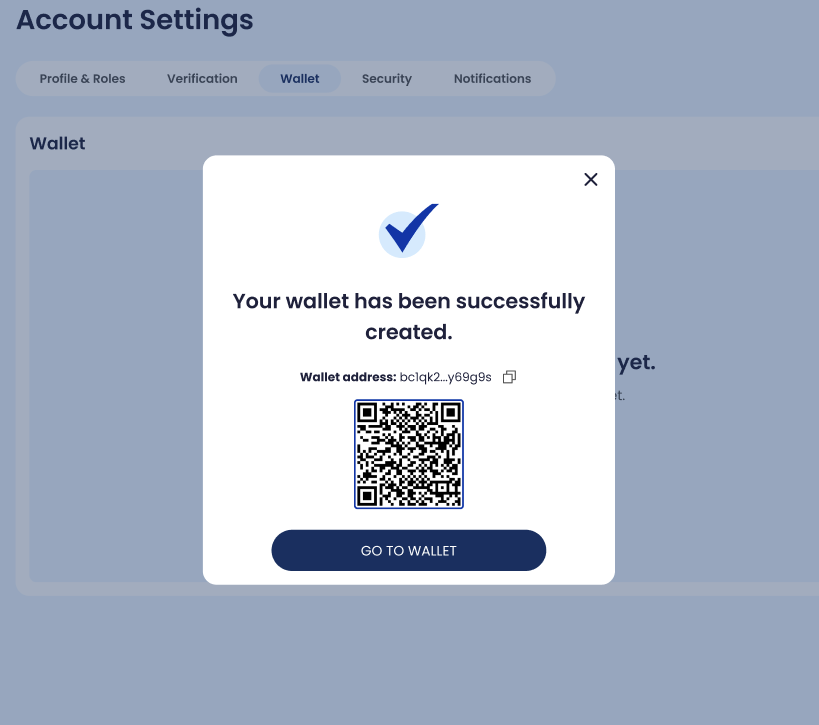
Notes
Your USDC wallet is unique per account.
Wallet creation is one-time (the Create Wallet button is replaced by the wallet details once created).
create wallet