Settings overview
Edited
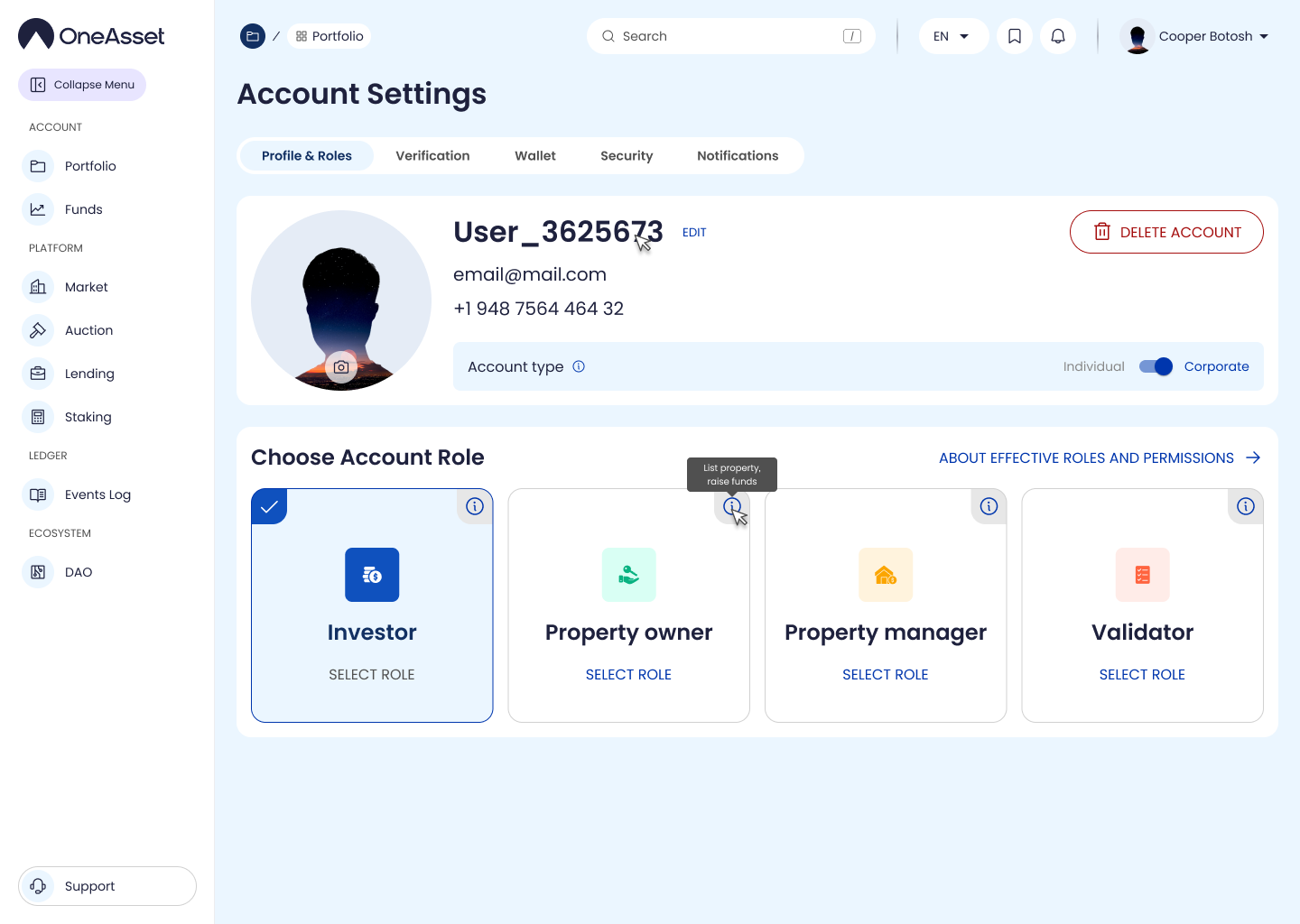
Settings centralizes account configuration and access-related controls. It is the entry point for updating profile details, managing verification state, and reviewing security configuration.
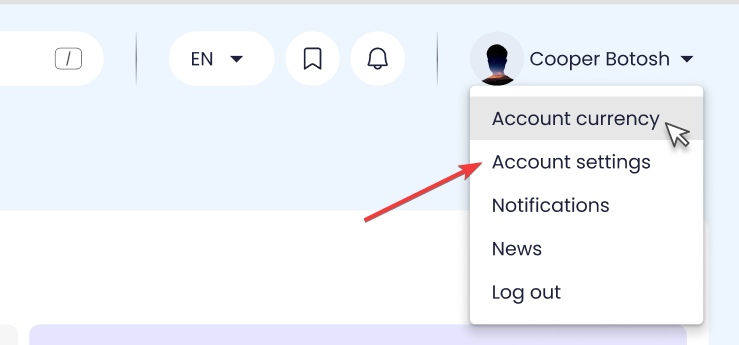
Open Settings
Click the Profile avatar in the header and select Account settings.
Settings opens in the main content area.
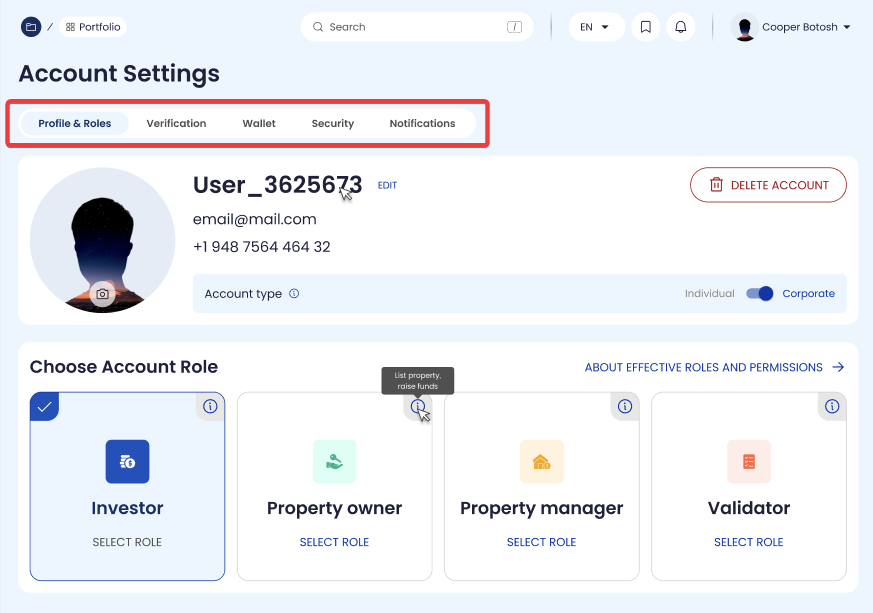
Settings sections
Profile & Roles
Verification
Wallet
Security
Notifications (preferences)
Delete account
settings
account settings
settings overview