Deposit
Edited
Deposit shows your receiving details for inbound USDC transfers.
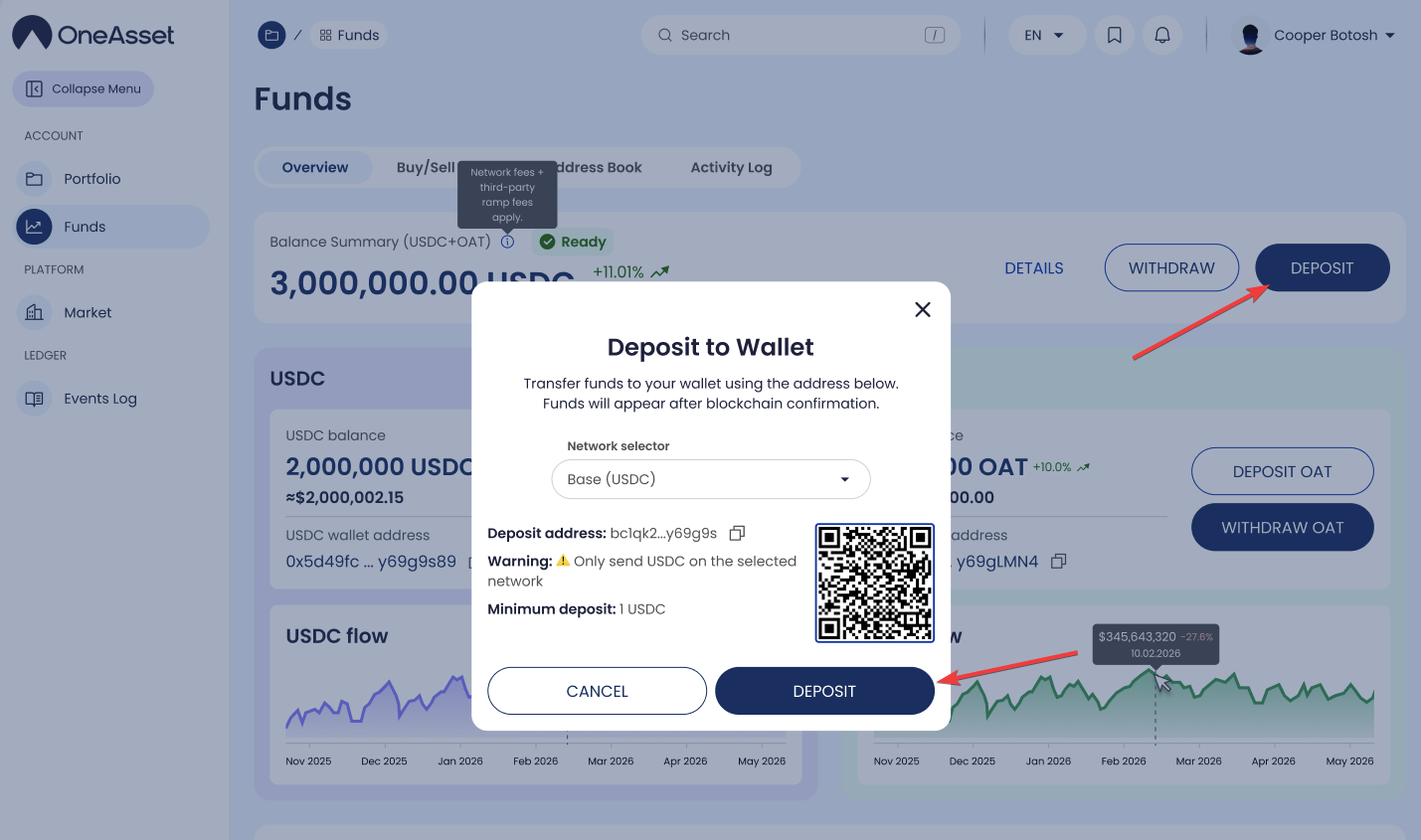
Open Deposit
Funds → Overview → Deposit.
Deposit details
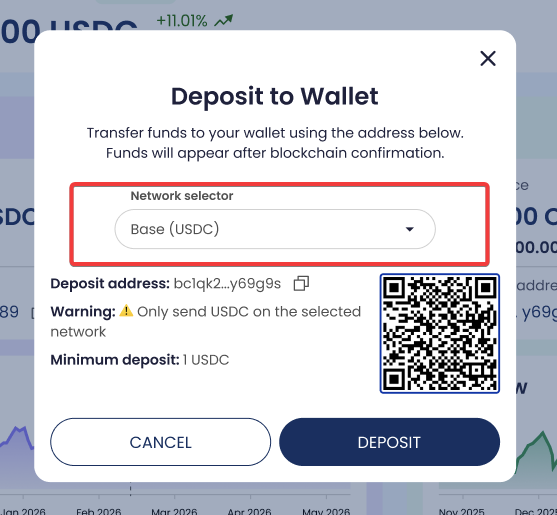
Copy the wallet address using the Copy icon.
If shown, use the QR code to scan the address.
Select only from supported networks (if a selector is shown).
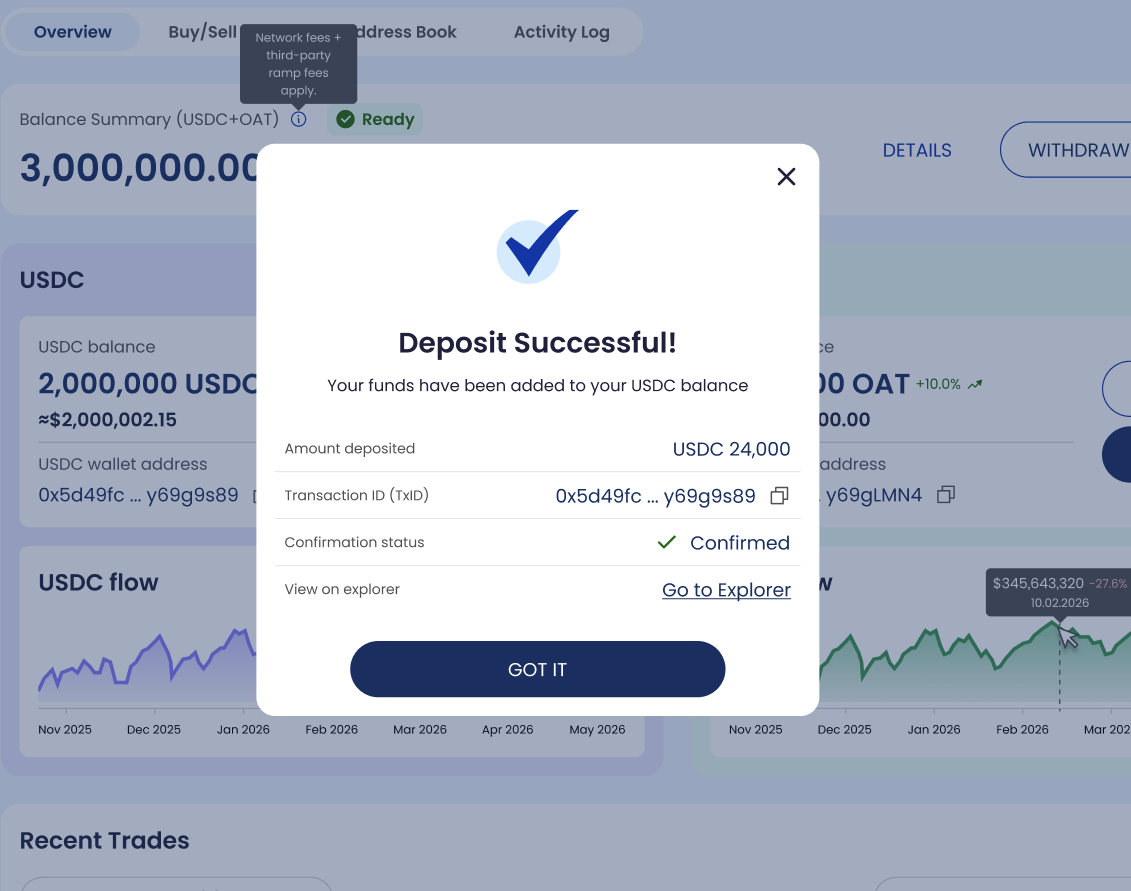
Deposit status
Deposits appear in Activity Log and progress through statuses (as displayed).
Verify a deposit
Open Funds → Activity Log and locate the Deposit record.
Click the row to open Transaction Details and view the reference (if shown).
deposit
deposit usdc
deposit funds