Support
Support is the entry point for help resources and customer assistance. It provides access to self-serve documentation and a structured path to contact support when an issue requires escalation.
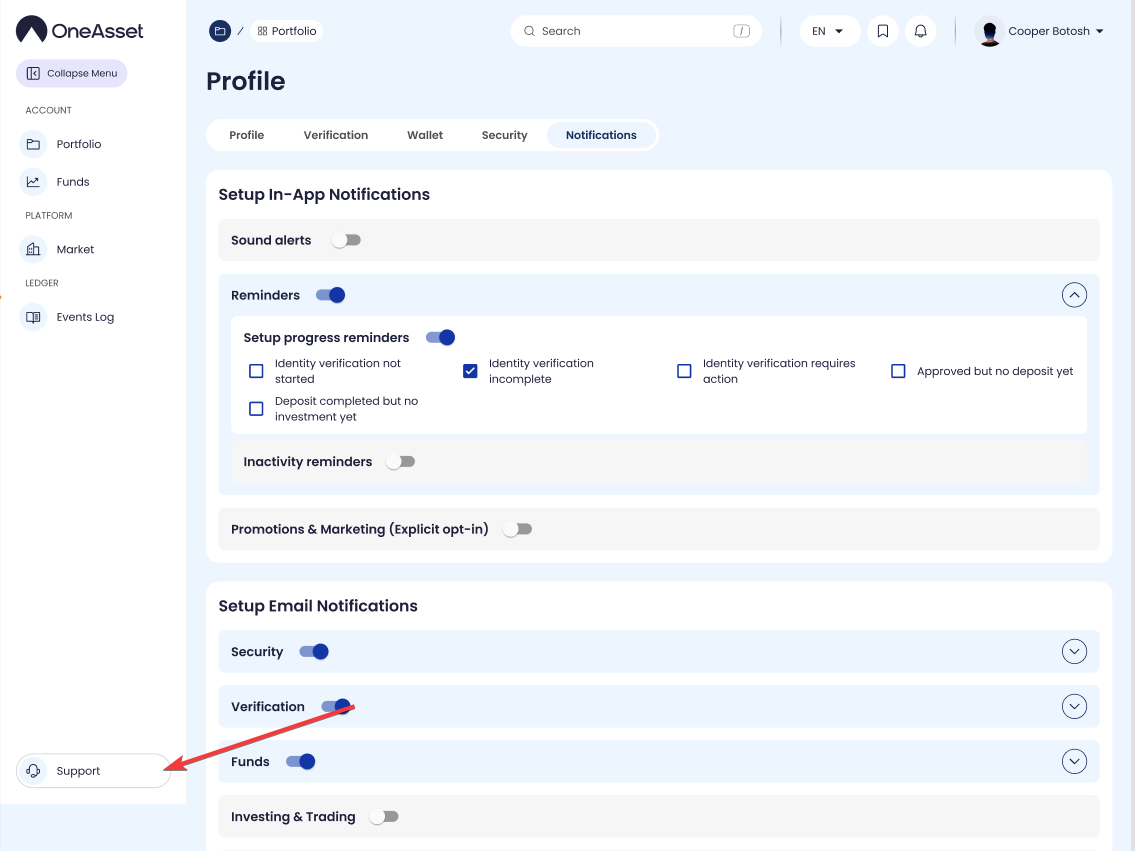
Open Support
Click Support in the sidebar to open the Support page in the main content area.
Support remains available regardless of the page you were previously viewing.
Help resources
The Support page provides links to user documentation and common how-to articles.
Selecting an article opens the relevant documentation page in the support viewer or external help center (as implemented).
Contact support (ticket)
The Support page provides a ticket/contact form for issues that cannot be resolved via documentation.
Ticket categories and required fields are displayed before submission.
Information to include in a support request
Issue summary and steps to reproduce (what you did, what you expected, what happened).
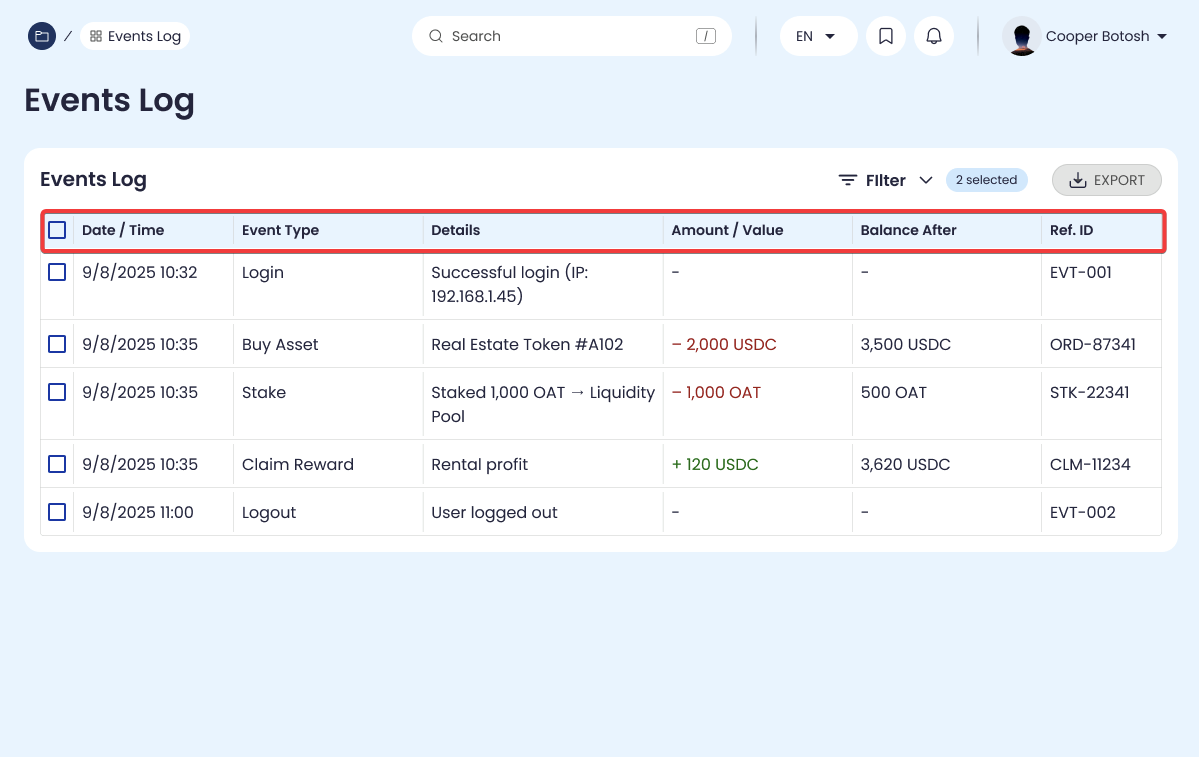
Timestamp of the incident and the relevant Events Log entry (if available).
Any displayed error message/code and affected page (Portfolio, Market, Funds, etc.).
Support follow-up
After submission, the ticket is assigned a reference (as displayed) and appears in your support history if available.
Updates are delivered via the configured notification channels (in-app/email) if enabled.