Owned
Owned lists the assets for which you currently hold shares. Each row represents one asset position and summarizes your share count, value, yield accrual, and PnL.
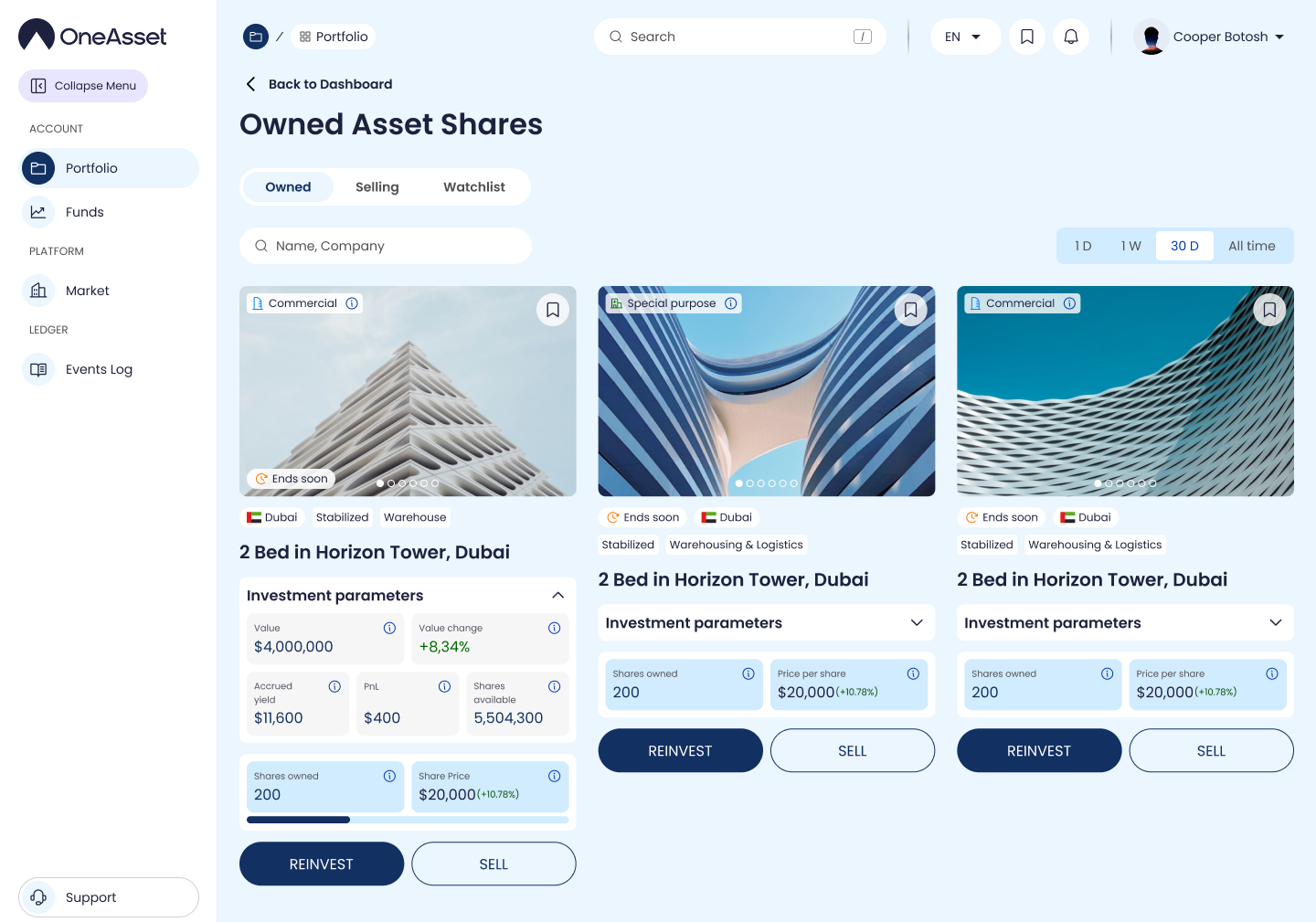
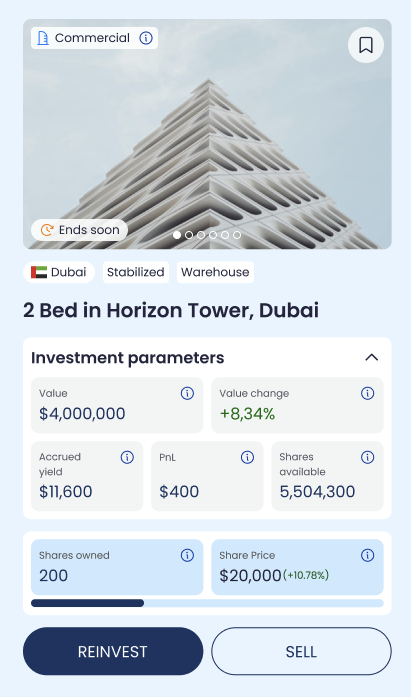
Owned table columns
Asset Name: asset/property identifier.
Share Price: latest share price shown by the platform.
Shares owned: number of shares you hold for the asset.
Row details (expand arrow)
Value: Price per share × Shares owned.
Value change %: percent change in Value over the selected timeframe.
Accrued Yield: yield earned but not yet credited/settled to Available Balance.
PnL: (Current value + realized yield) − initial cost basis (as tracked by the platform).
Sell (owned shares)
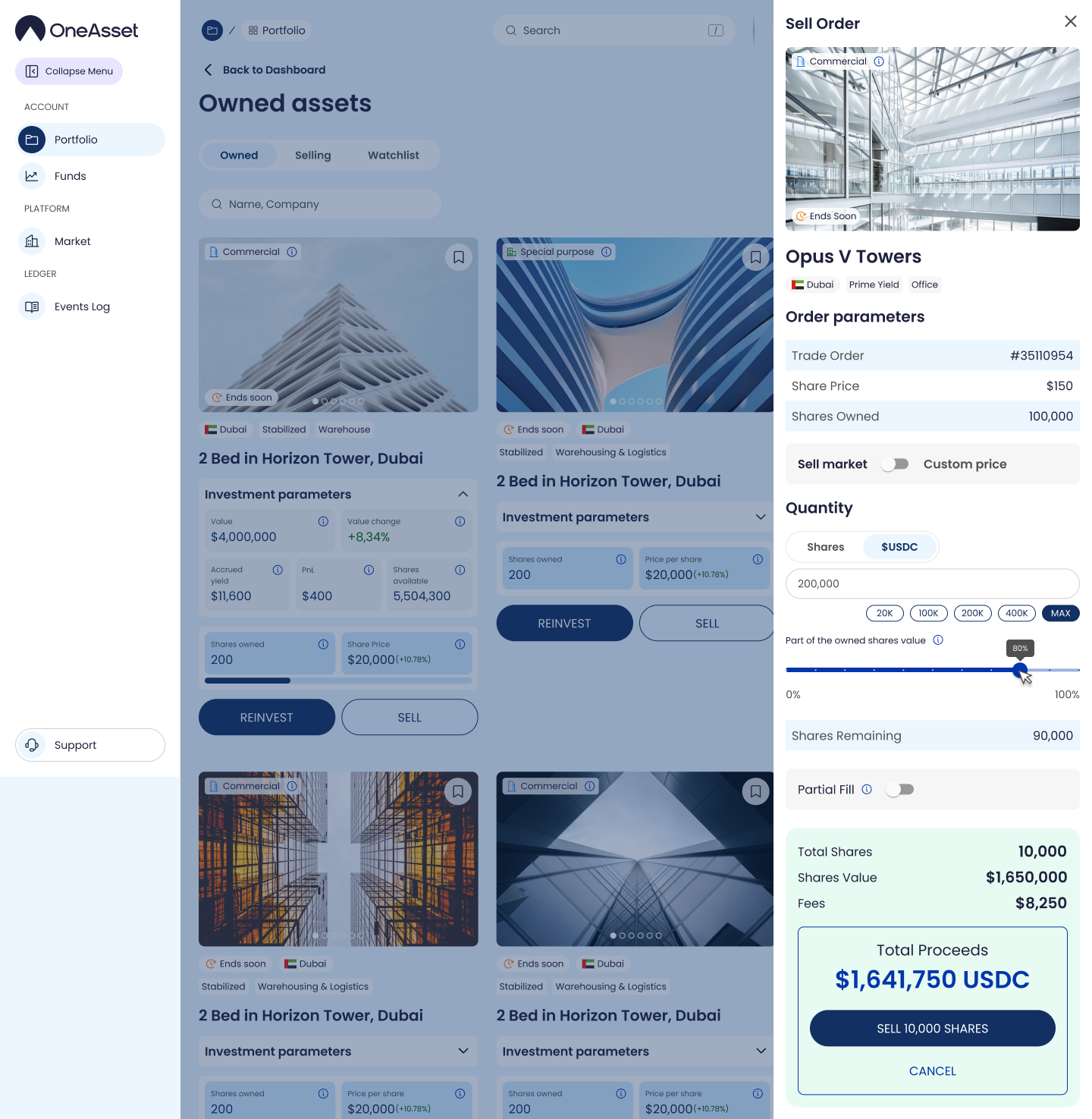
Clicking Sell opens a Sell order window for the selected asset, where you set the amount/quantity and sell price.
After submission, the sell order is recorded and an entry appears in Events Log for tracking status.
Order window controls
Use X or click Cancel to close the order window; closing exits the order window.
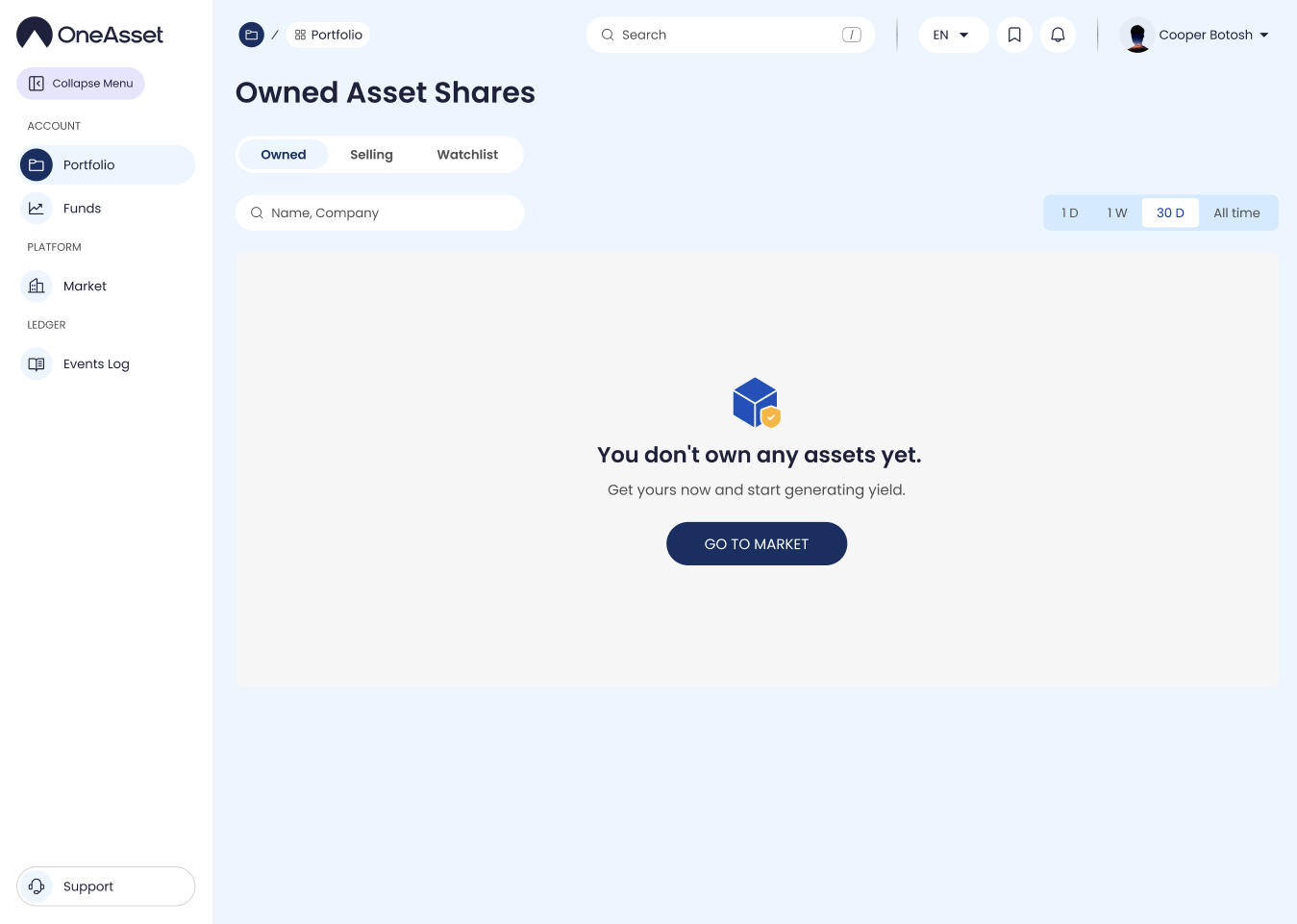
Empty state
If you have no assets, the page shows: “You don’t own any assets yet. Get yours now and start generating yield” with Go to Market.