Password reset
Edited
Password reset issues a recovery flow to set a new account password.
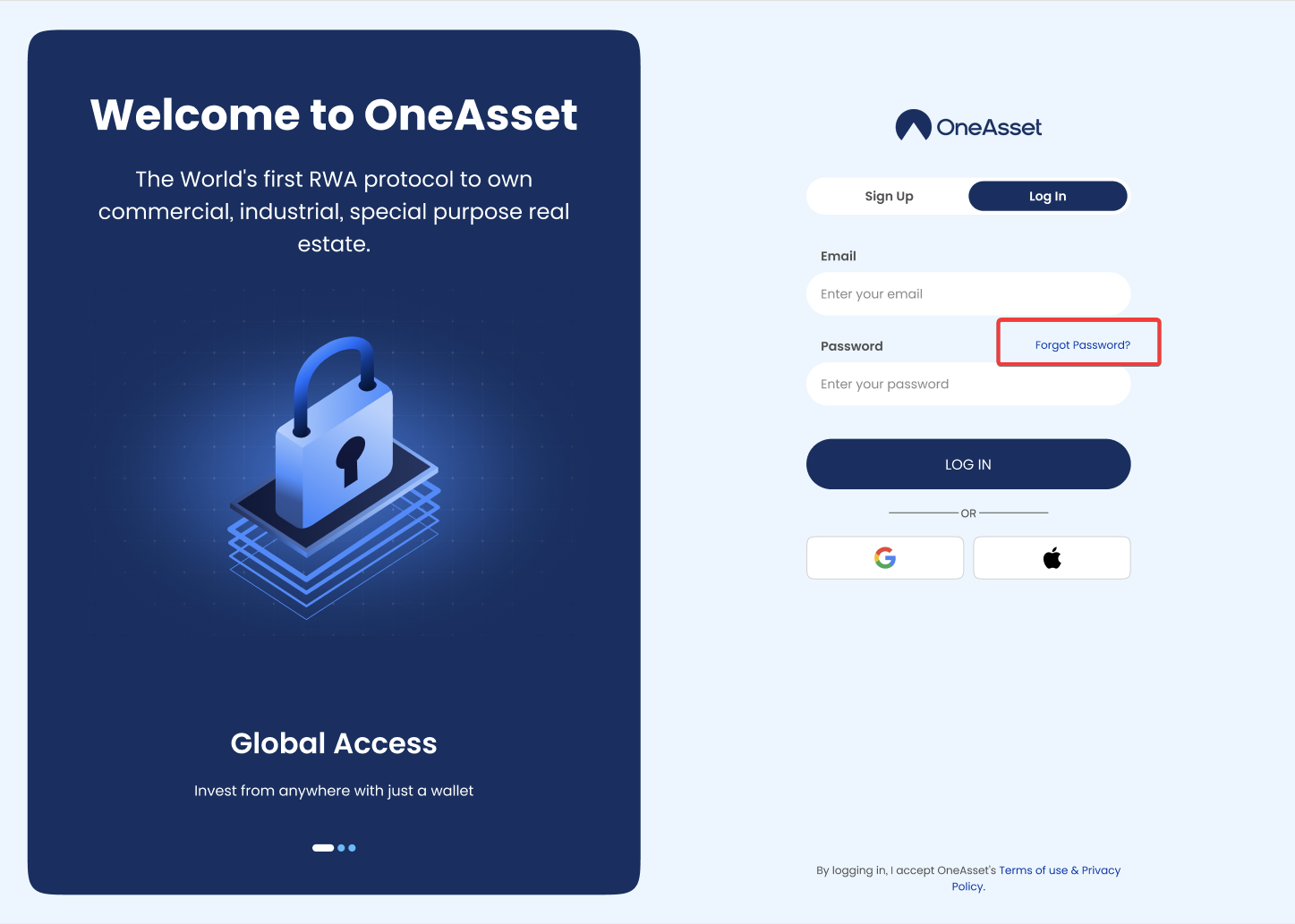
Start reset
On the Login screen, click Forgot password.
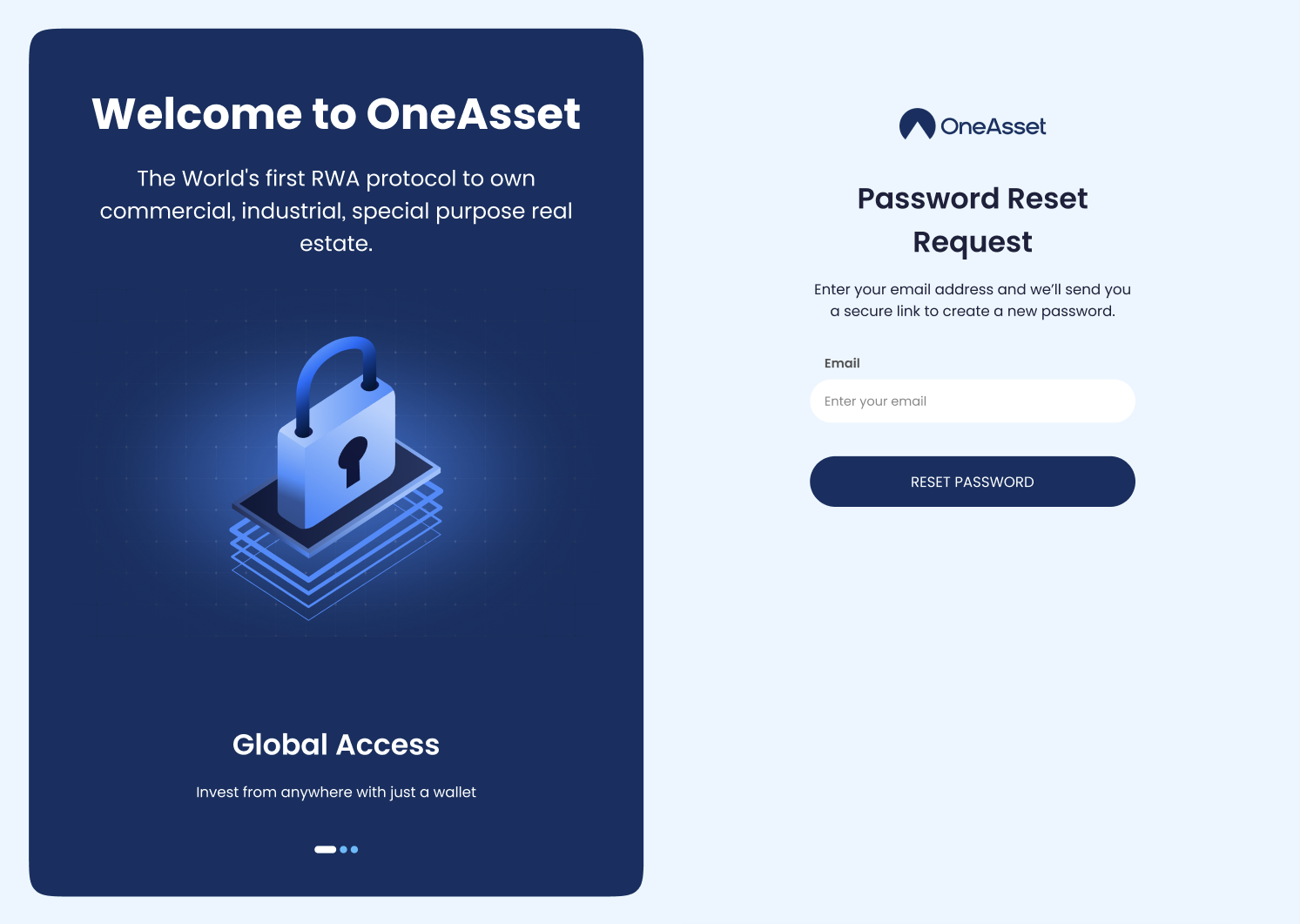
Enter your email and submit to request a reset email/code.
Complete reset
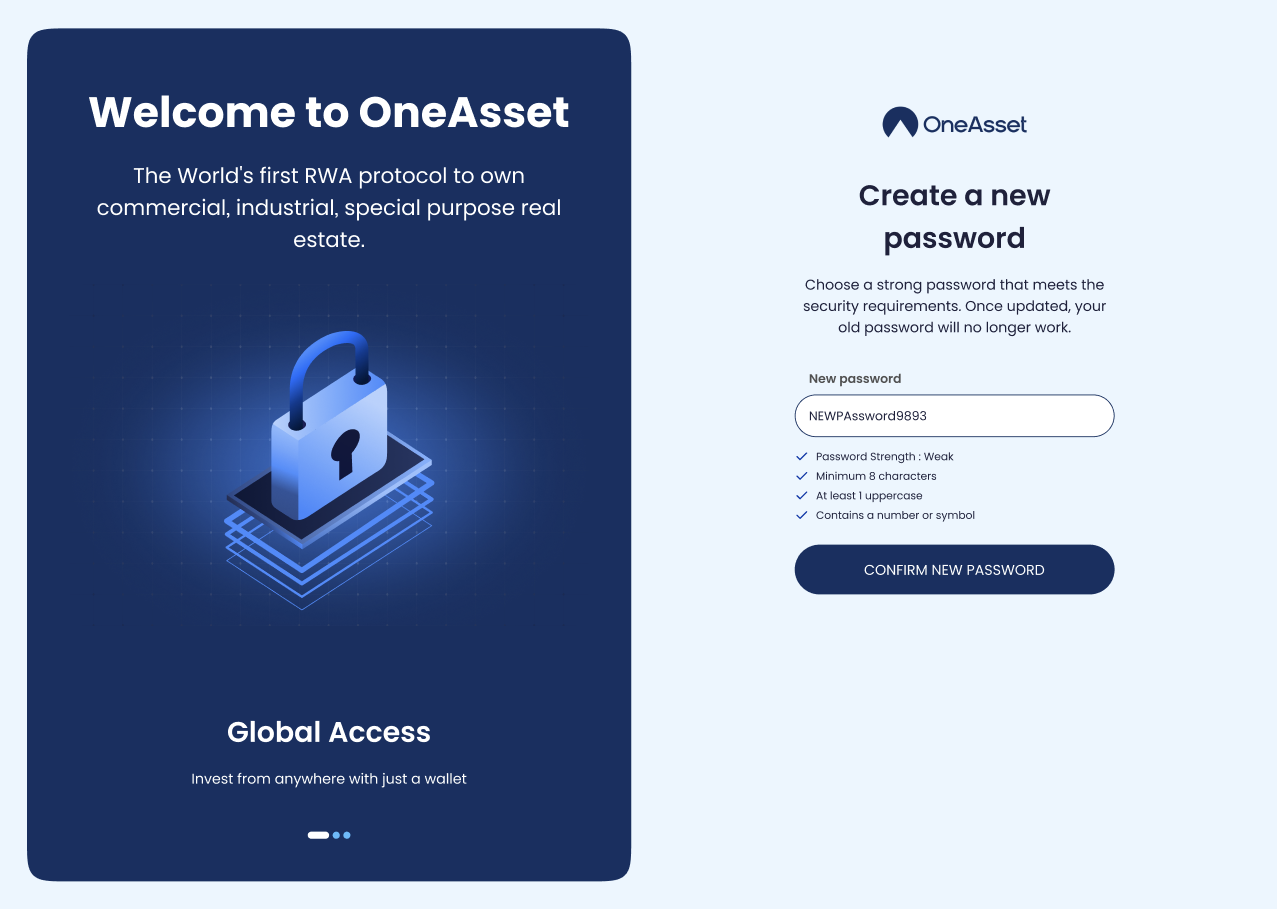
Open the reset email and follow the reset link.
Set a new password and Confirm New Password.
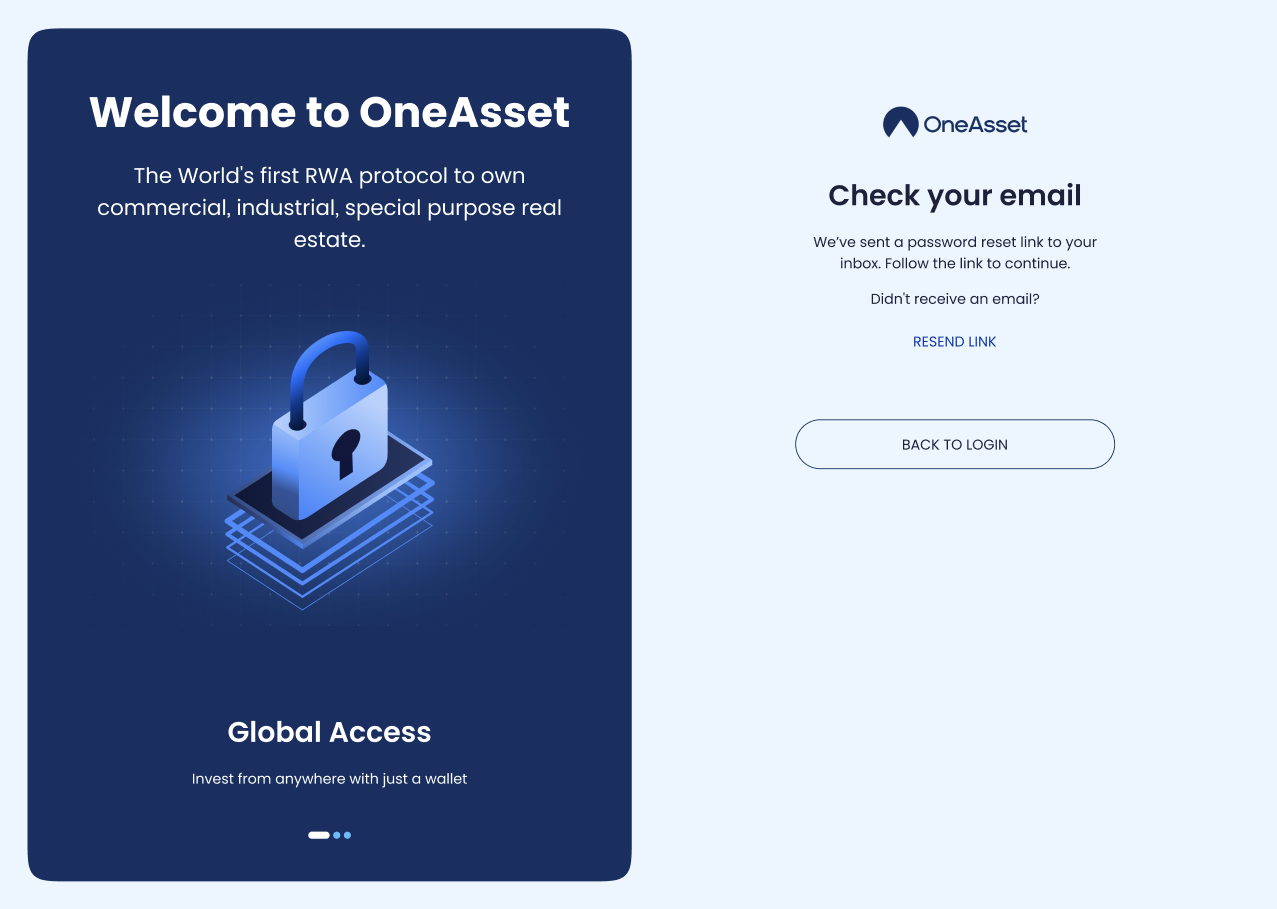
Reset issues
If the reset email is not received, use Resend Link and verify you entered the correct email.
Reset success
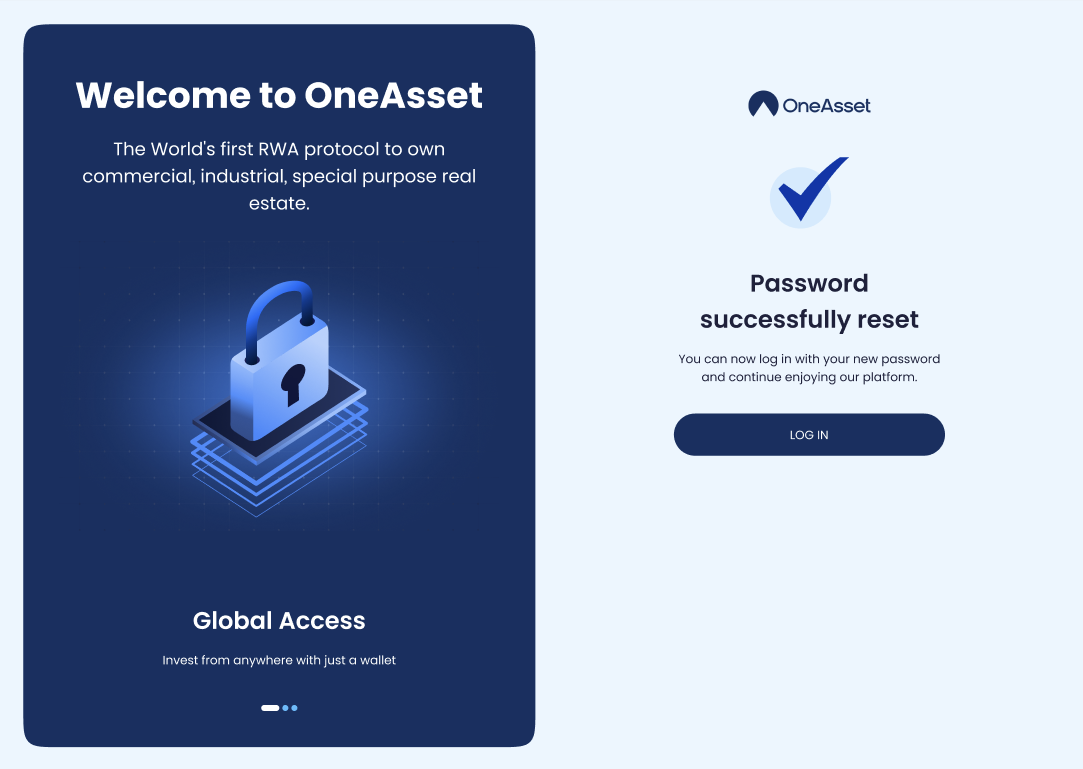
Upon successful completion of your password update, you will see a Success Message and a Login button.
Click the Login button and access your dashboard using your updated credentials.
password reset
reset password
forgot password