Primary navigation menu
Edited
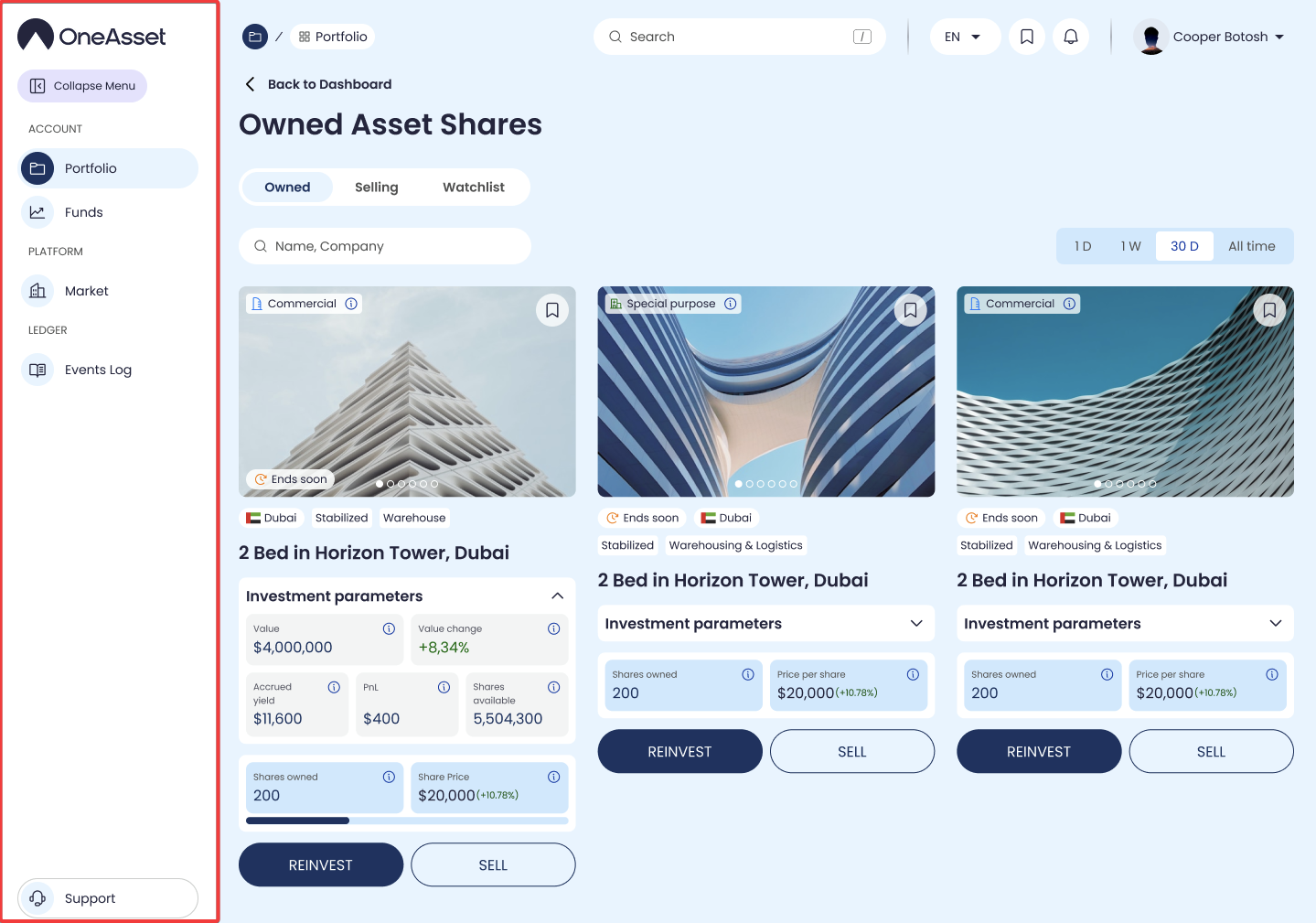
The primary navigation menu is the persistent sidebar used to move between core product areas. It remains visible while the main content area changes based on the selected section.
Sidebar items
The sidebar lists the available sections (for example: Portfolio, Market, Events Log, Support).
Sections that are not enabled are not shown.
Each account role has it's own sidebar customized to the role operations.
Collapsed mode
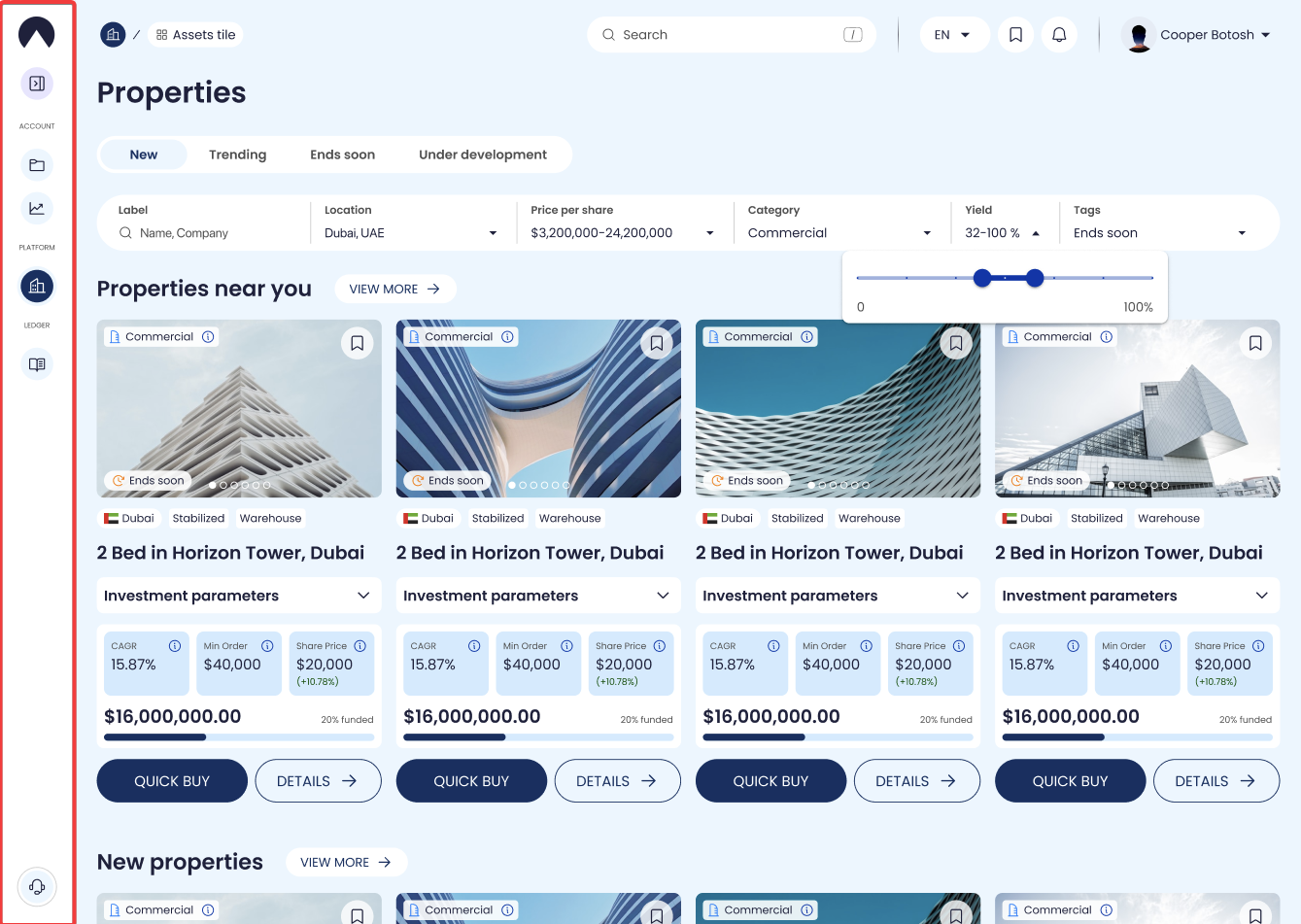
Click the collapse arrow to switch between expanded (icons + labels) and collapsed (icons only) mode.
The active section remains highlighted in both modes.
Active state
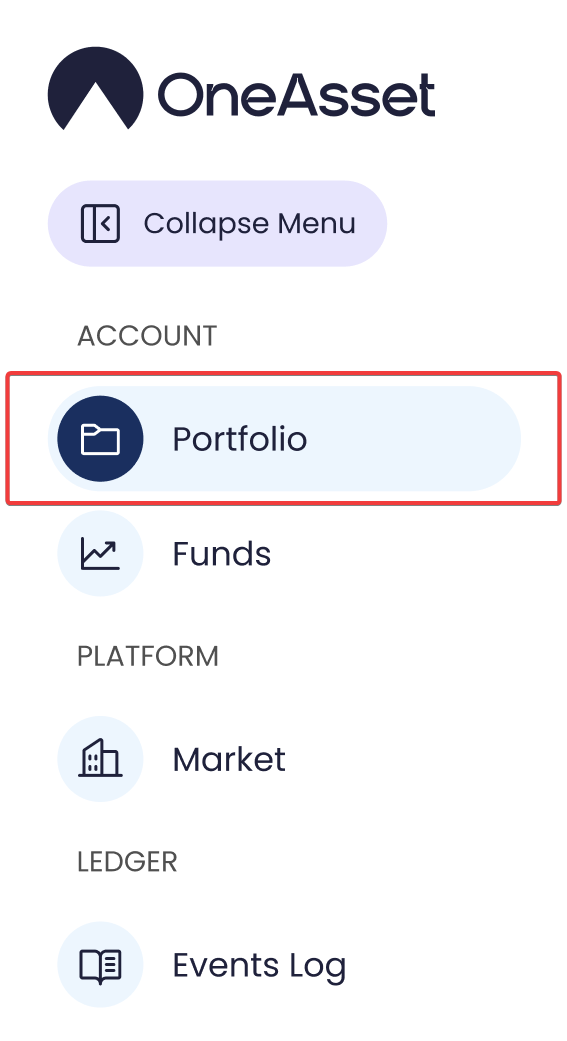
The currently open section is highlighted in the sidebar.
Navigating within a section keeps the same sidebar item active.
account navigation
dashboard navigation
navigation menu