Dashboard overview
Edited
The Dashboard is the default post-login workspace with the Portfolio section enabled by default. It provides persistent navigation (header and sidebar) and routes the main content area to the selected section.
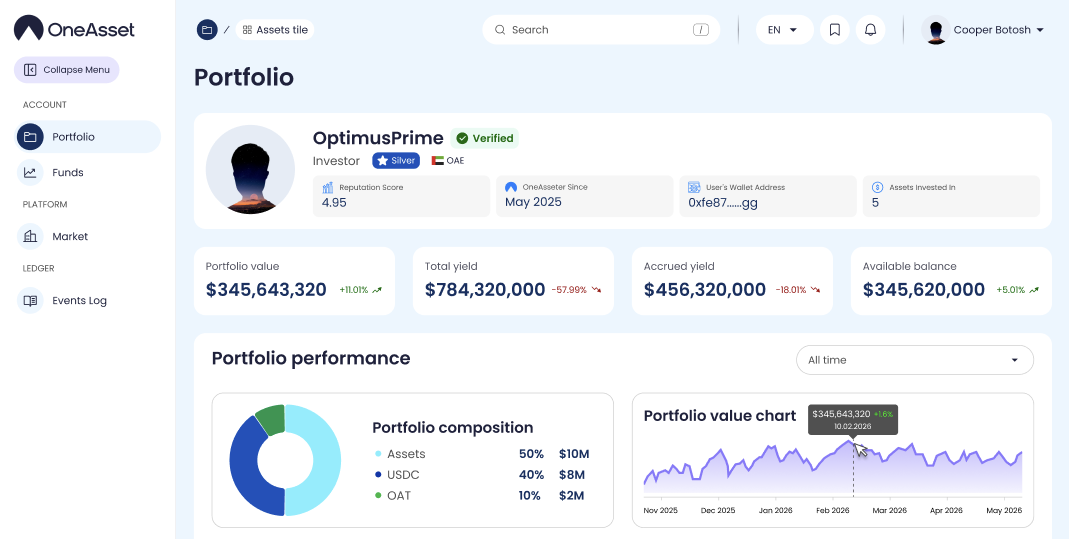
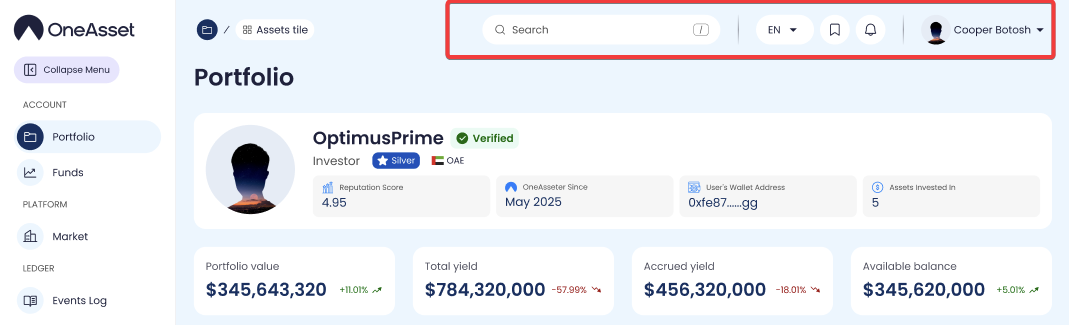
Header bar
Click the Logo to open the main website.
Use Language to change the interface language.
Click your Profile avatar to open: Account settings, Notifications, News, Log out.
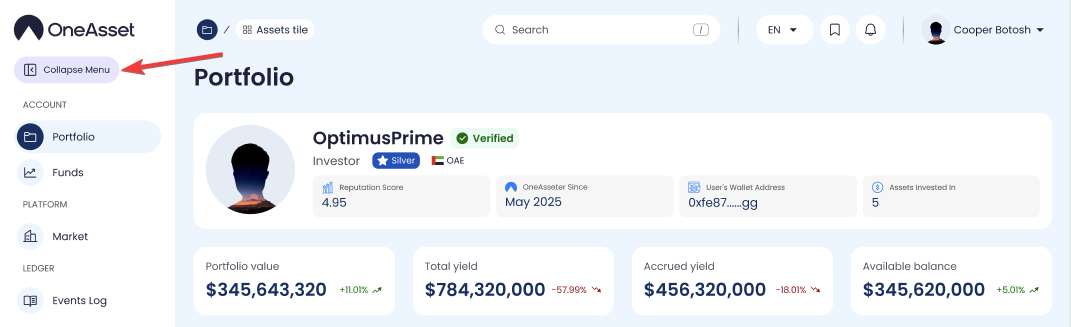
Sidebar navigation
The sidebar is always visible. Click any item to open that page (for example: Portfolio, Market, Events Log, Support).
To save space, click the collapse arrow to hide text labels and keep icons only; click again to expand.
dashboard
account dashboard
dashboard navigation