Account settings
Edited
Account settings is the control center for managing identity, verification, wallets, security controls, and notification preferences.
Open Account settings
Click Profile avatar in the header and select Account settings.
The Settings page opens in the main content area.
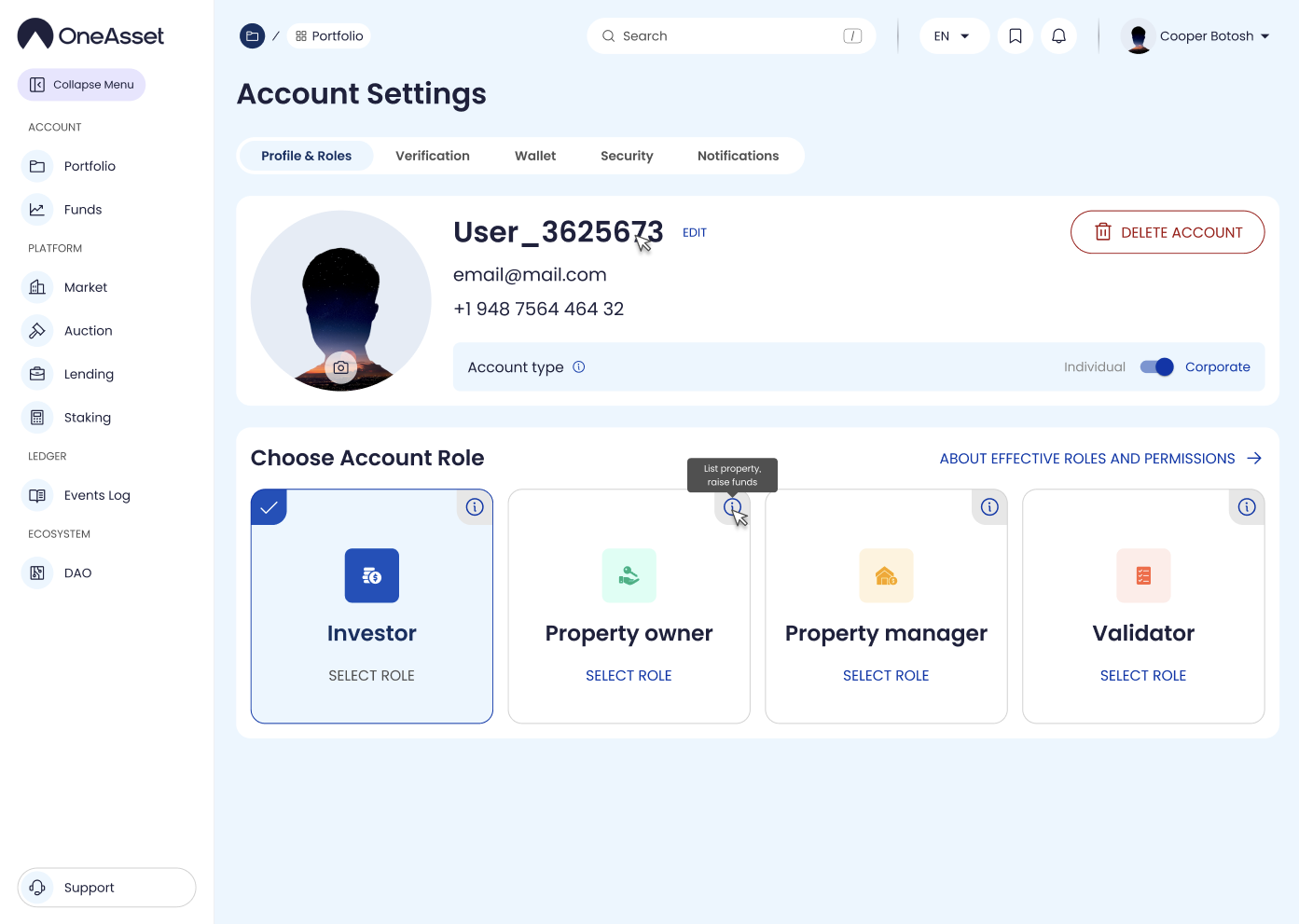
What you manage in Settings
Profile: avatar, username, email/phone change flows.
Verification: status, submission, document uploads.
Linked Wallets: add/unlink wallets (and payment methods if enabled).
Security: passwords, 2FA, sessions, login activity.
Notifications (preferences): in-app/sound/email toggles.
Delete account: deletion flow and confirmation.
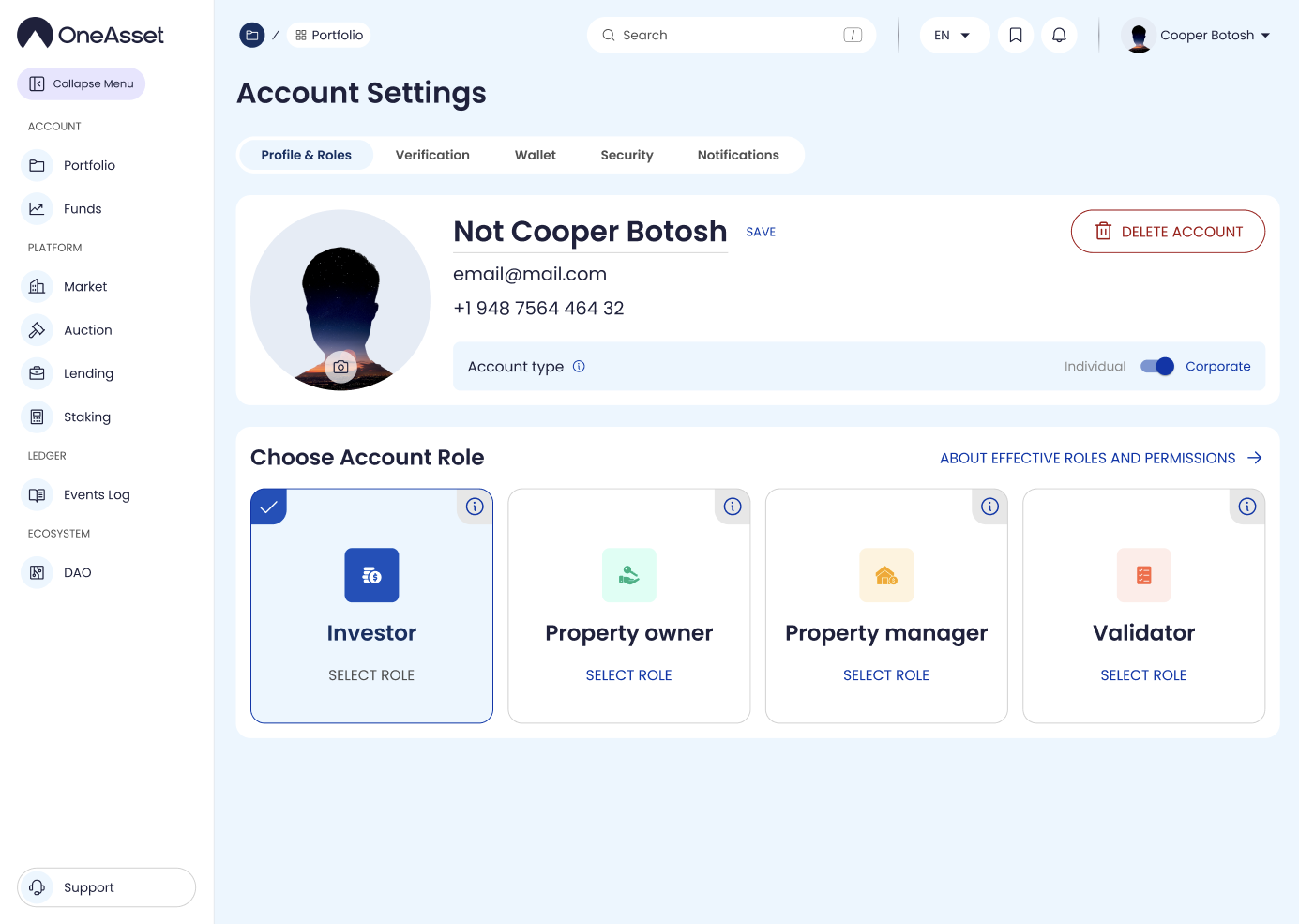
settings
account settings
profile settings