Quick Start
Quick Start explains the minimum path to start using OneAsset: create an account, fund with USDC, invest in an Asset, track your portfolio and yield, and withdraw when needed.
MVP
Access the MVP via https://mvp.oneasset.io if you are in Whitelist, you will be able to sign-up and login
To be in the Whitelist, go to https://oneasset.io and click the Join Waitlist button.
Create an account
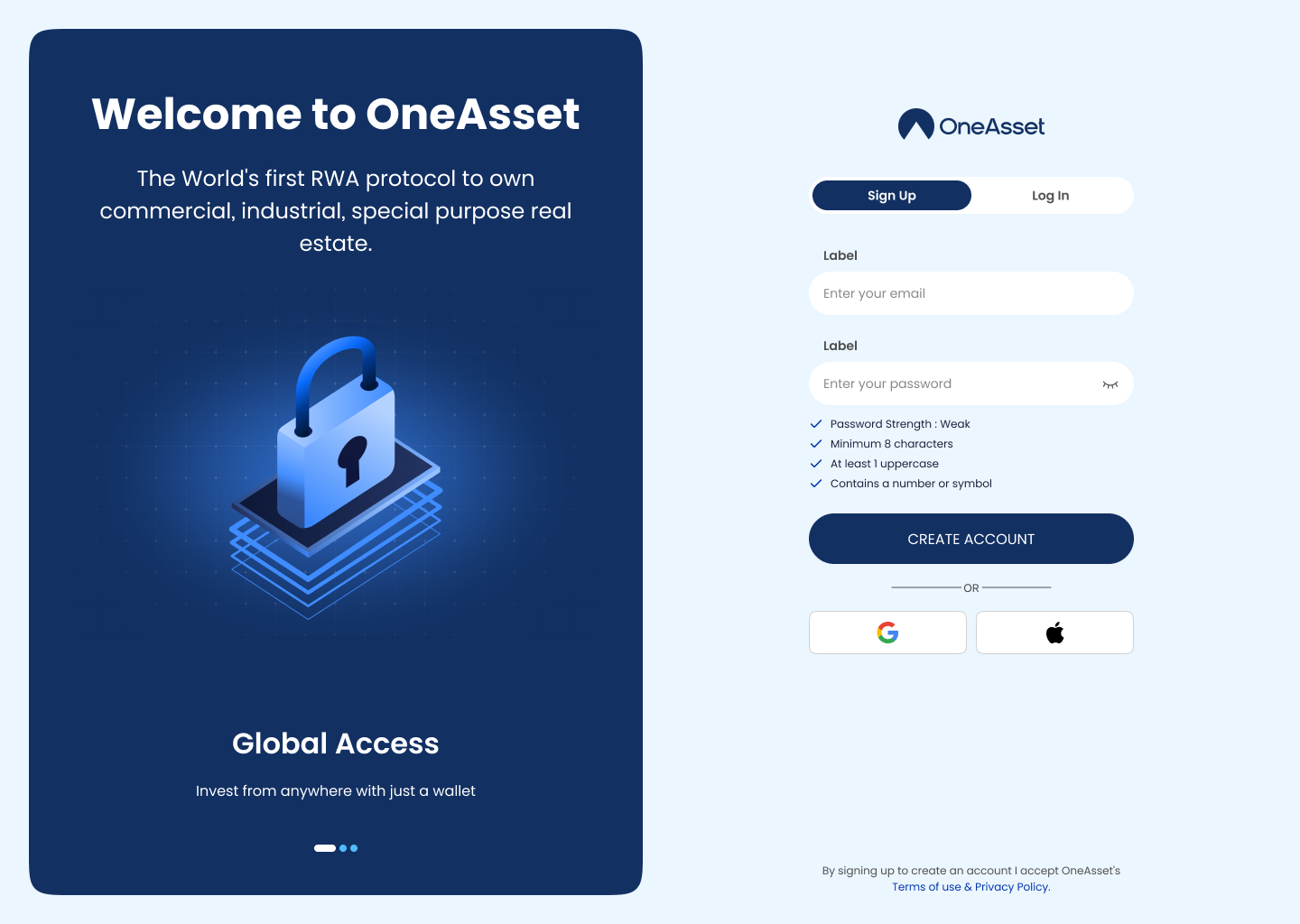
Create your OneAsset account using email and password. You will be prompted to verify your email before full access. Or use your Google account, Apple ID, for quick access.
Verify email
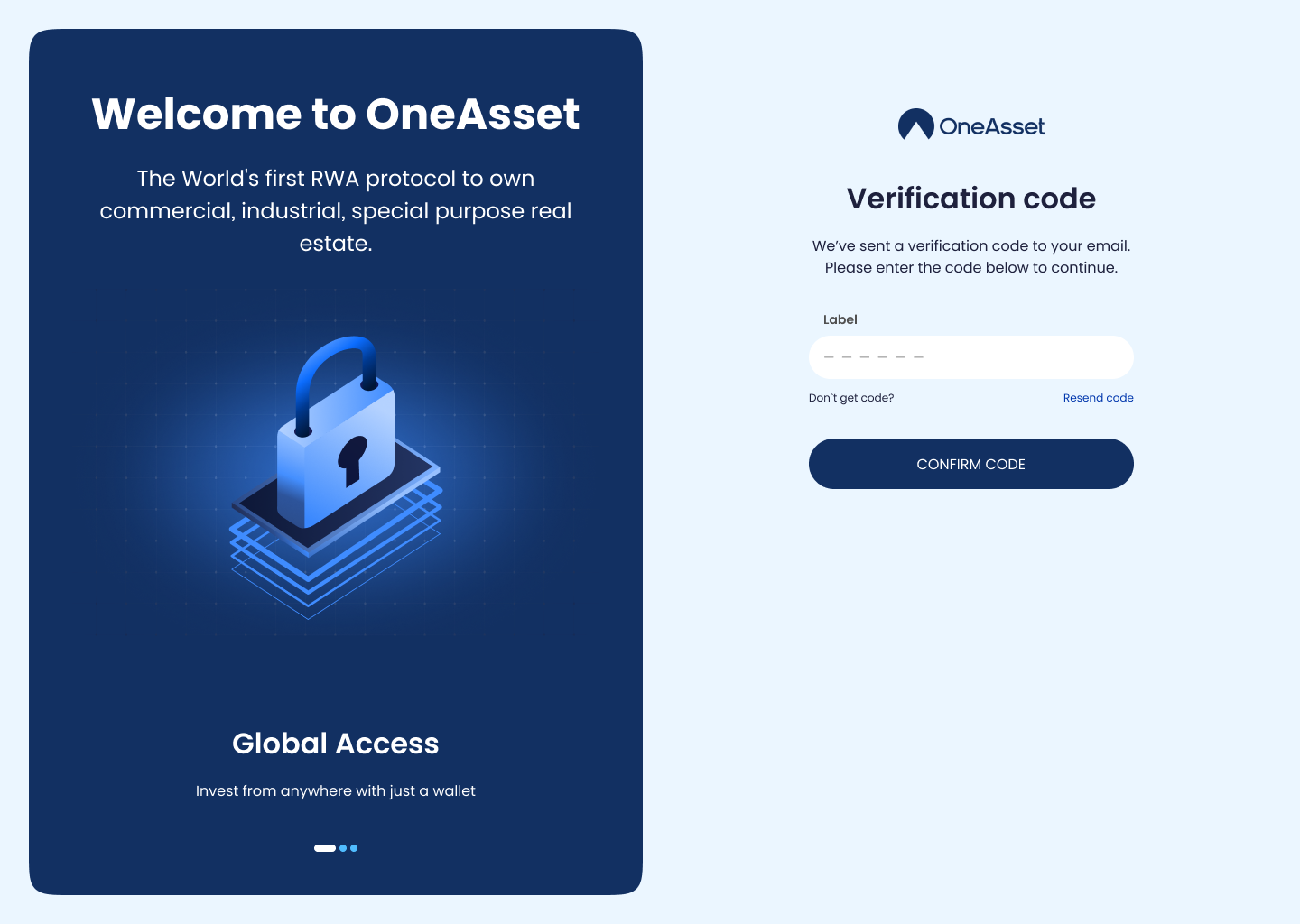
Open the verification email and insert the One-Time Password to validate your registration. If you don’t see it, check spam/junk and request a resend.
Log in
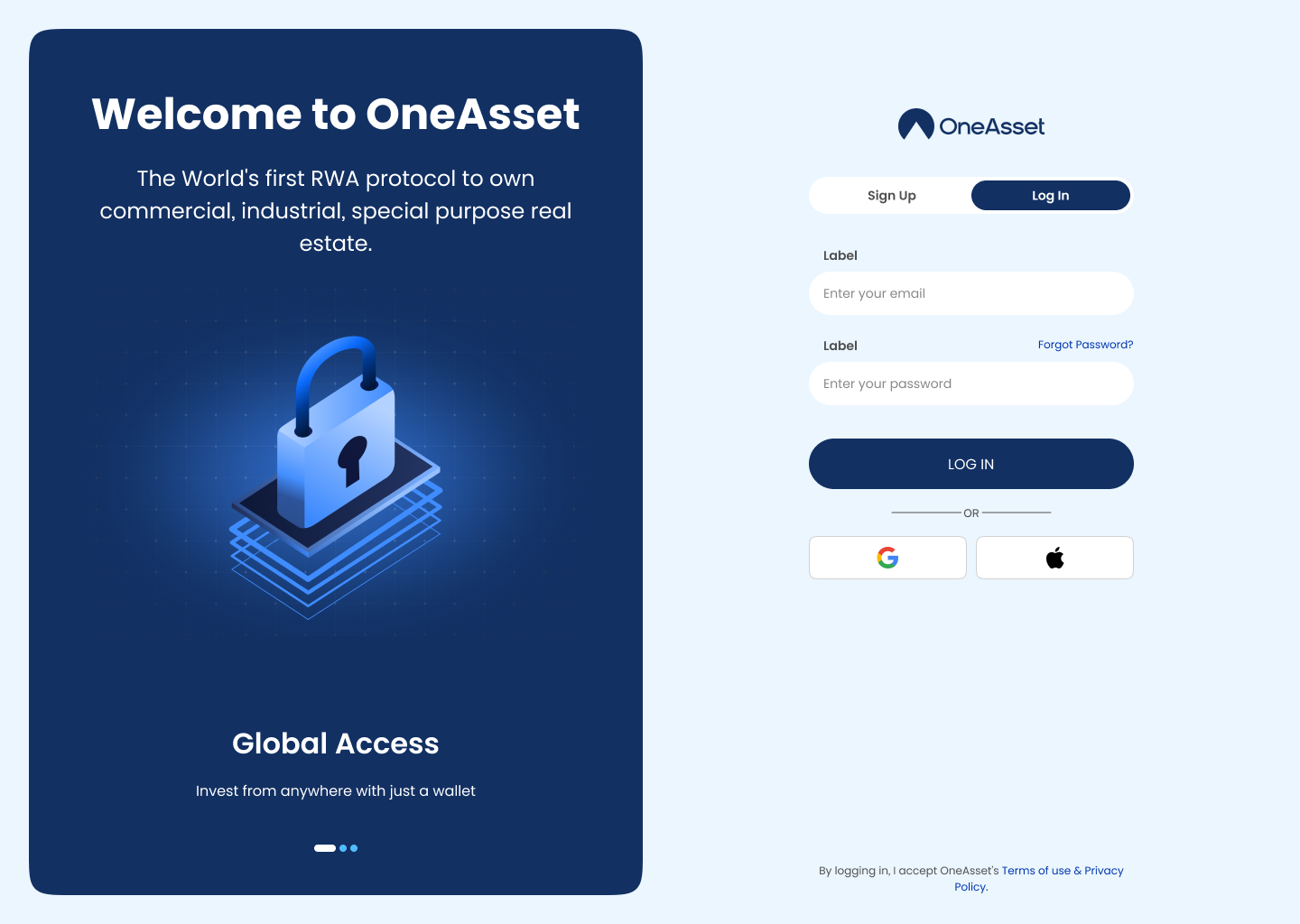
Log in from the main entry page using your verified credentials. Use “Forgot password” to reset access if needed.
Complete Verification
Start Verification from the onboarding banner or Settings and submit the required information (MVP: simulated). Track status as Approved / Resubmit / Failed.
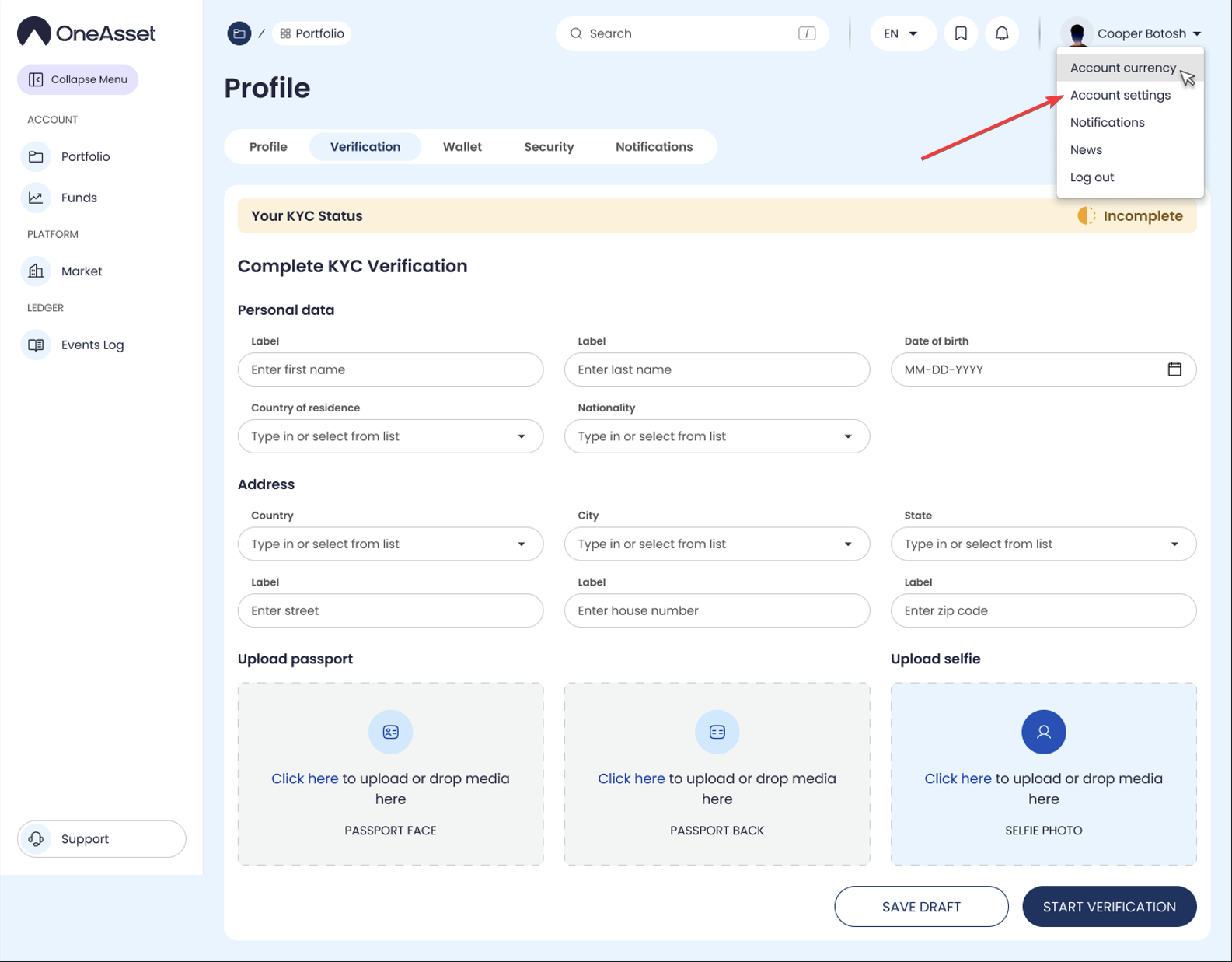
MVP
KYC will be mock during MVP, you may upload any image and the KYC will be completed. Please note that during other phases when the KYC will be mandatory, you will need to complete KYC with real data.
Dashboard & Navigation
Use the main navigation to access Market, Portfolio, Funds, Activity Log, DAO and Support. This is the fastest way to confirm your account is fully ready.
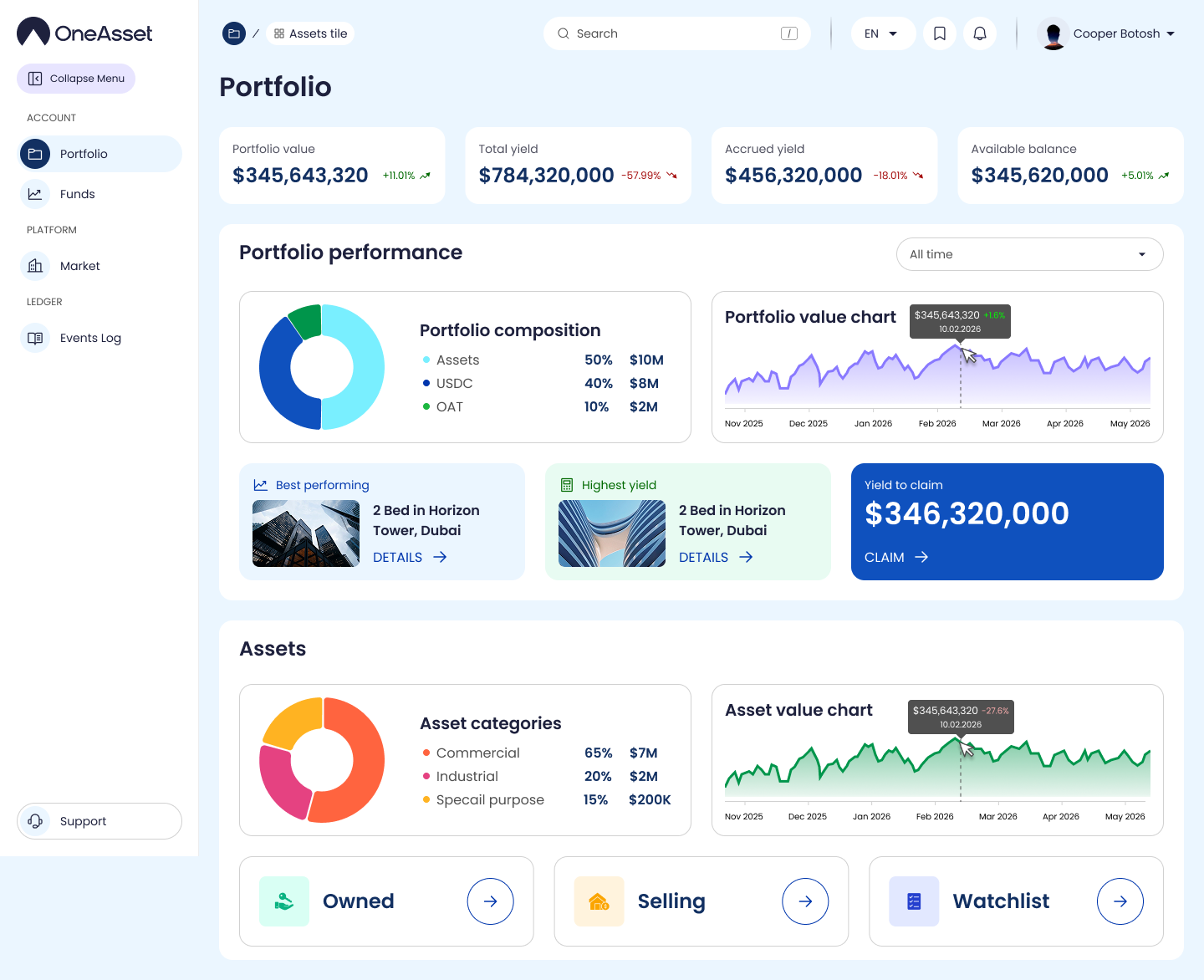
Credit USDC balance
Go to Funds to view your USDC balance and trigger the first credit. Your balance must be positive before investing.
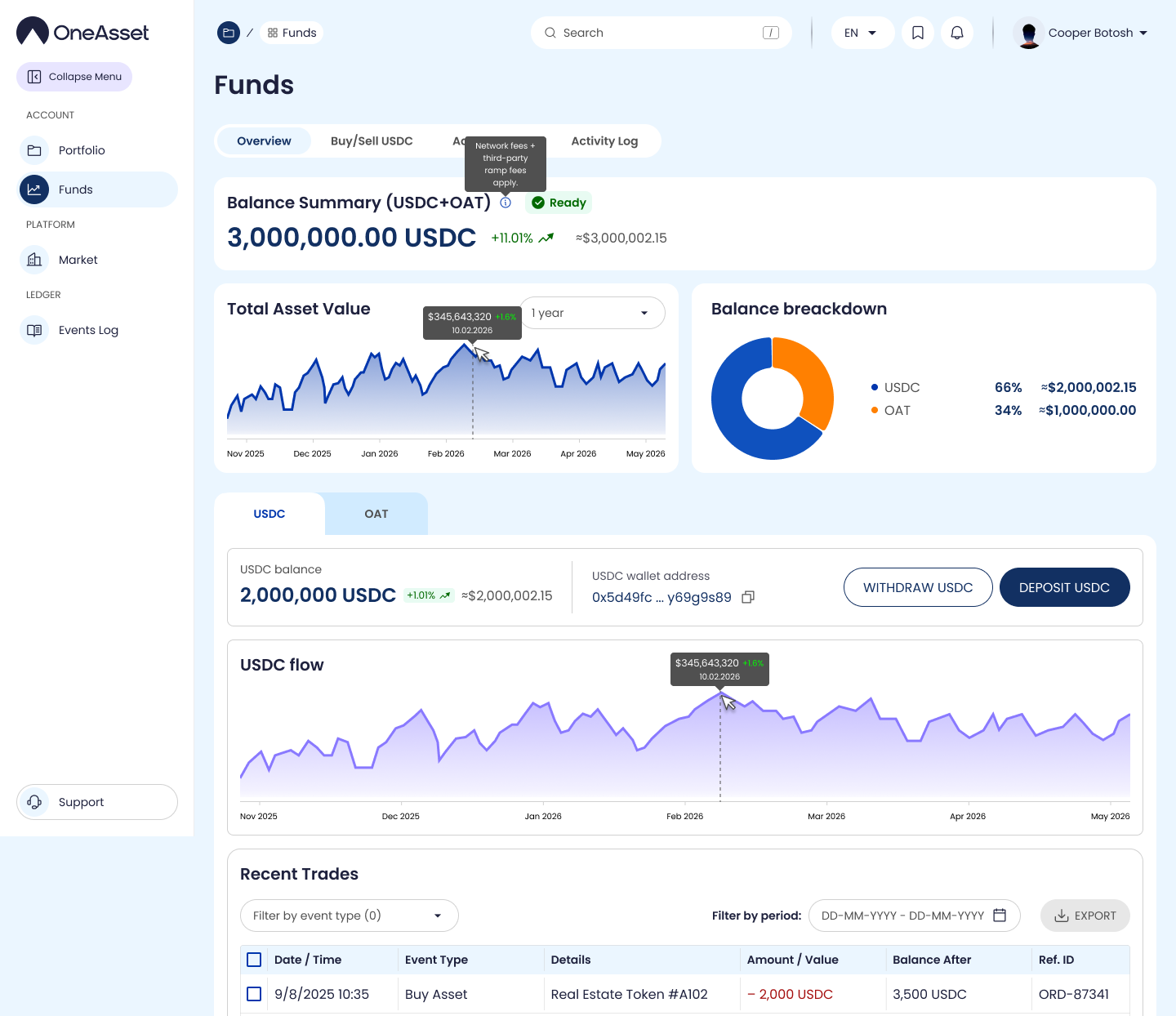
MVP
To fund your Account with USDC, go to Buy/Sell USDC to purchase testnet USDC. No charges apply, this is a mock USDC which you can use to invest in listed properties. Note: this USDC will be burnt during transition of OneAsset app into mainnet.
Browse properties and invest
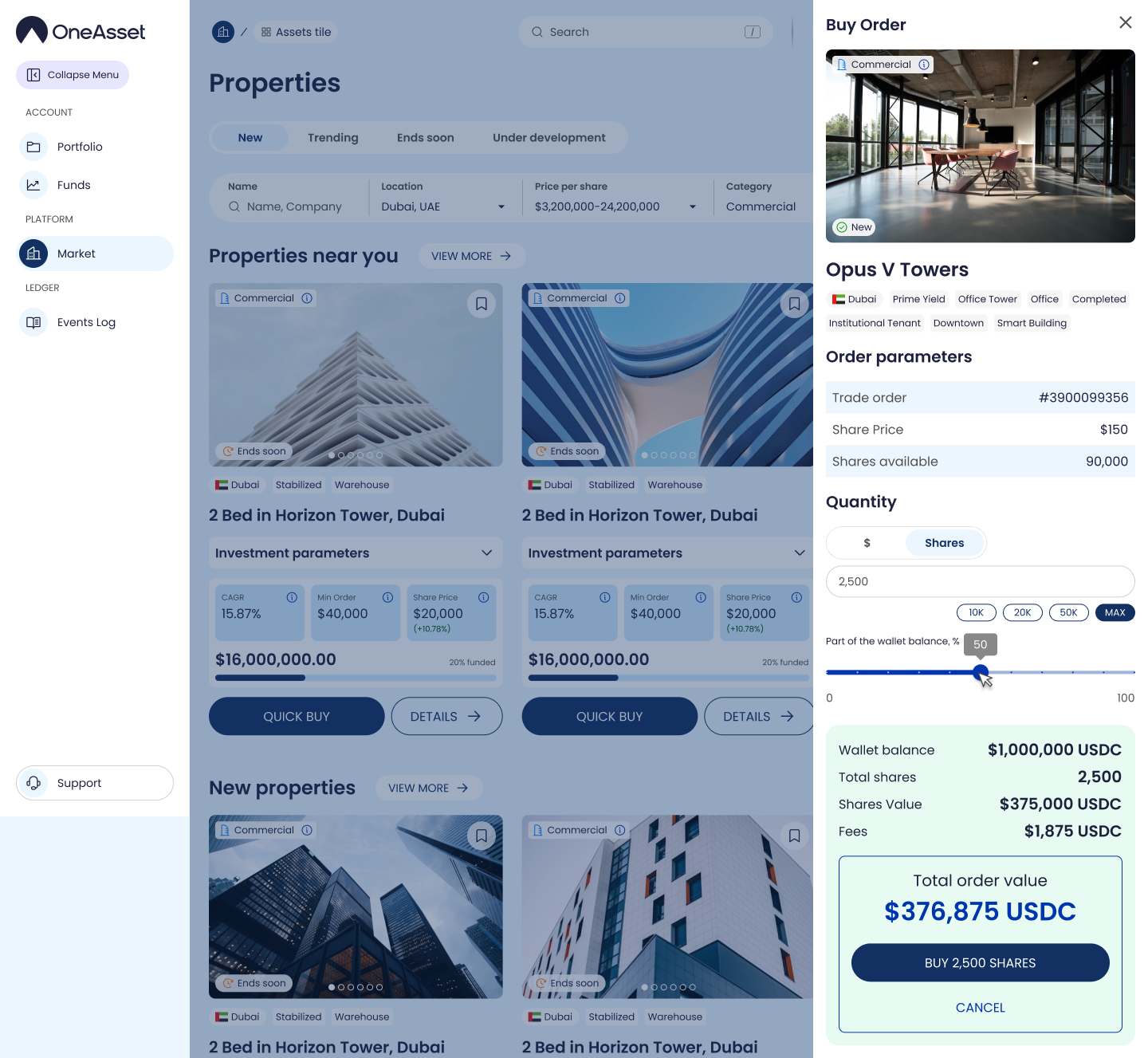
Open Market to browse listings, use filters to narrow results, and open a property page to review key terms. From the property page, proceed to invest if the property is live.
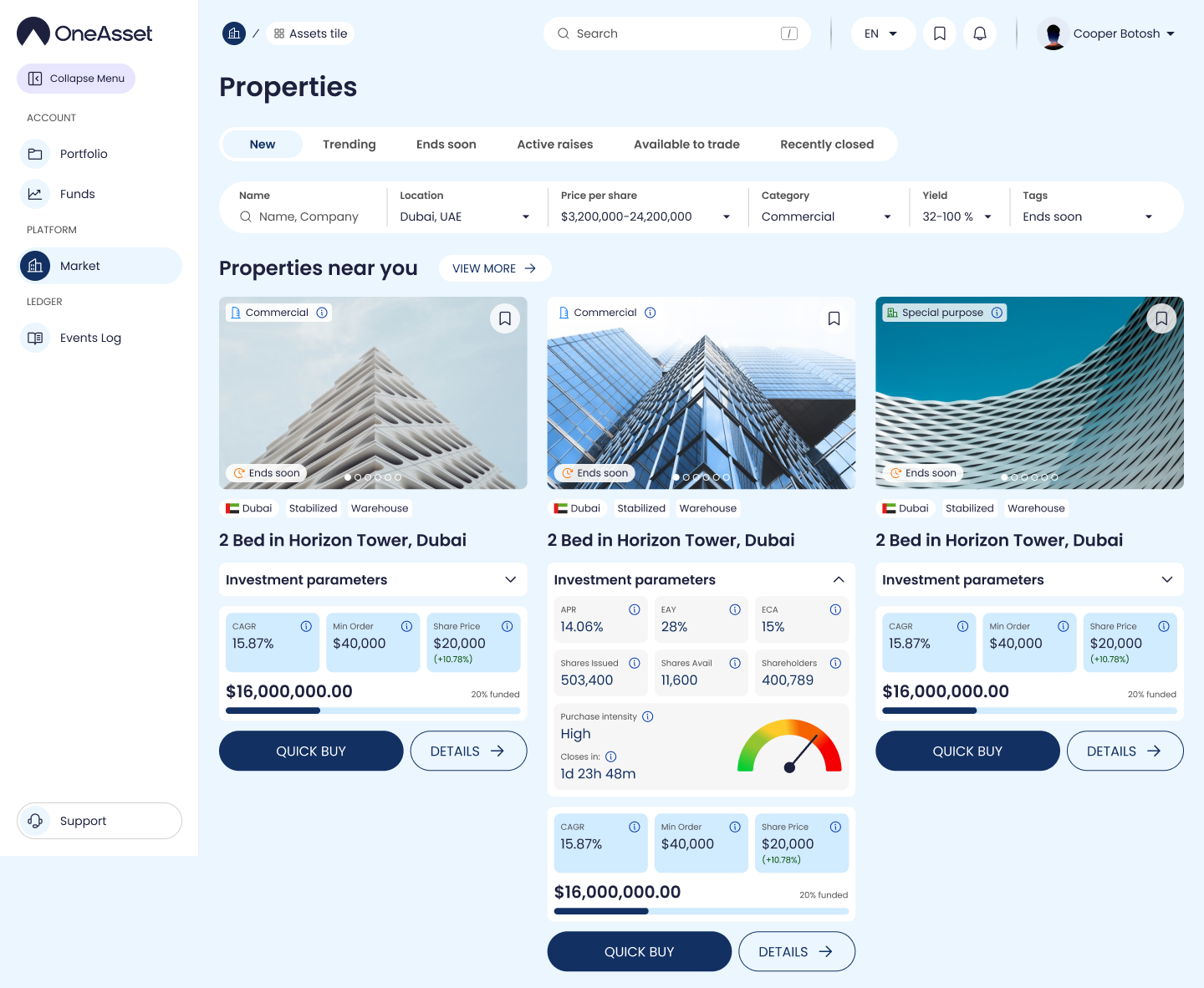
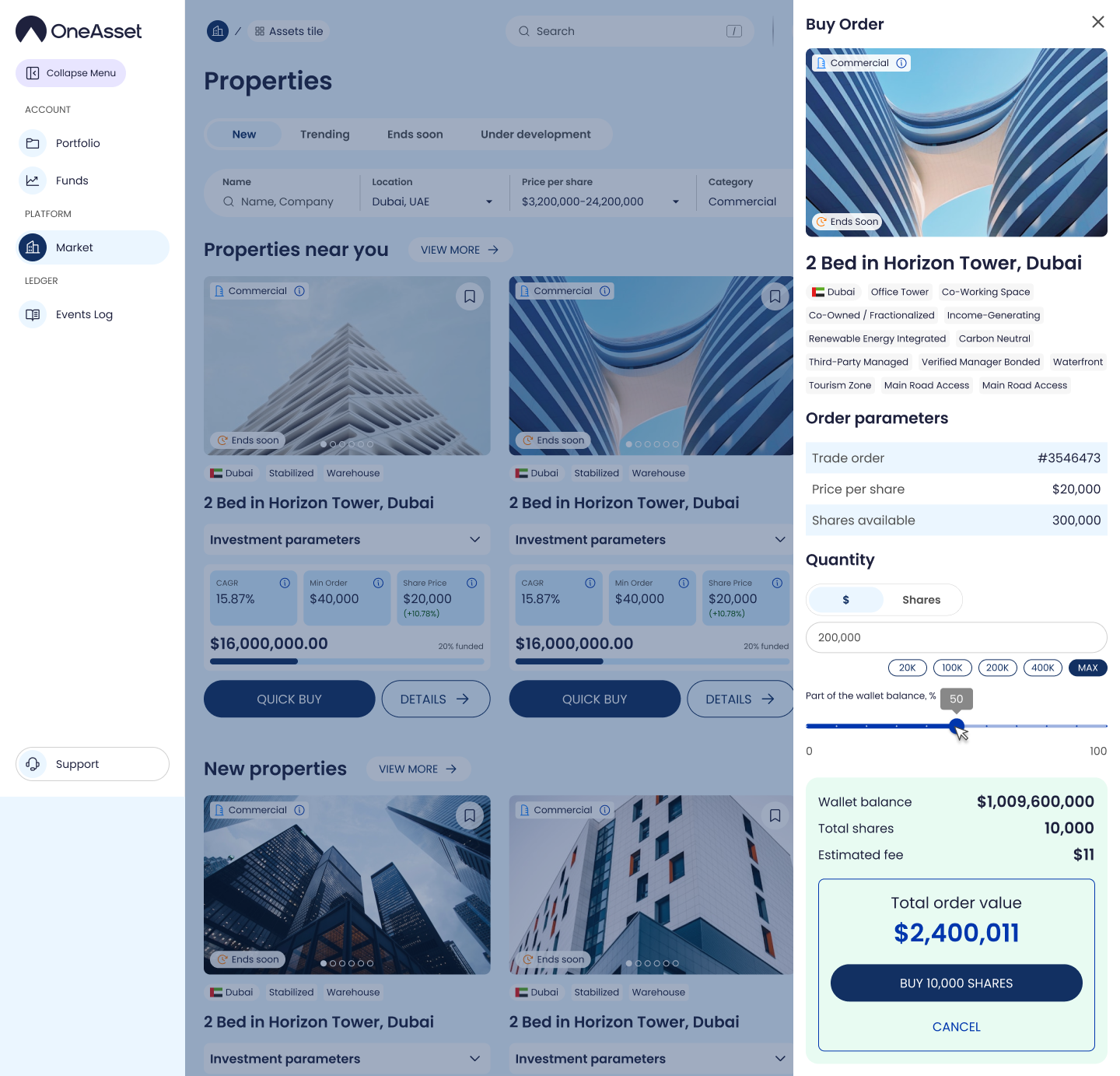
Purchase shares in a property
On the property page, enter investment amount and confirm to submit the purchase. You’ll see a confirmation and a status timeline for processing.
Track your holdings (Portfolio)
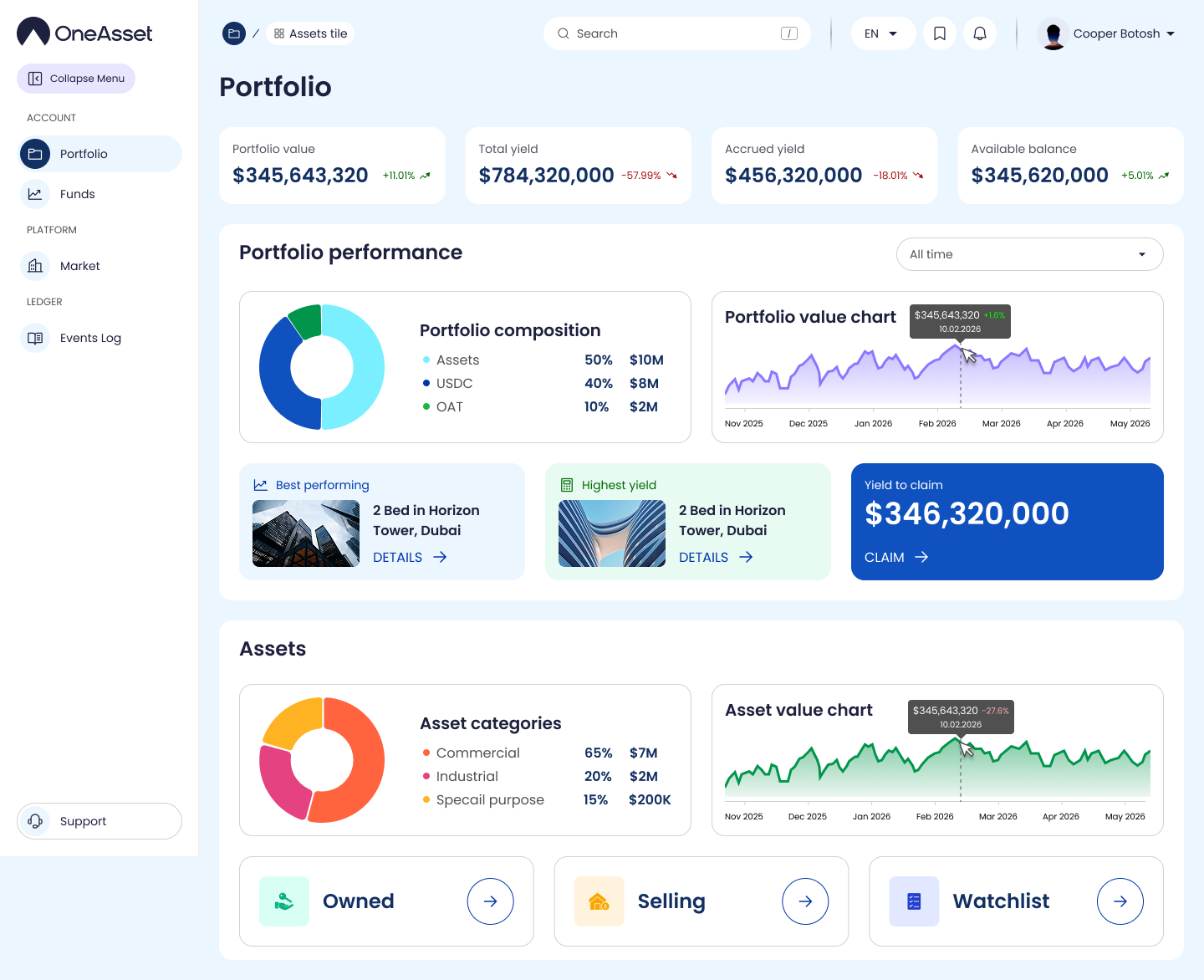
Open Portfolio to view your positions and current share counts. Open a position to view status history and key details.
Claim yield
Yield accrues daily and becomes claimable in your Yield/Portfolio view.
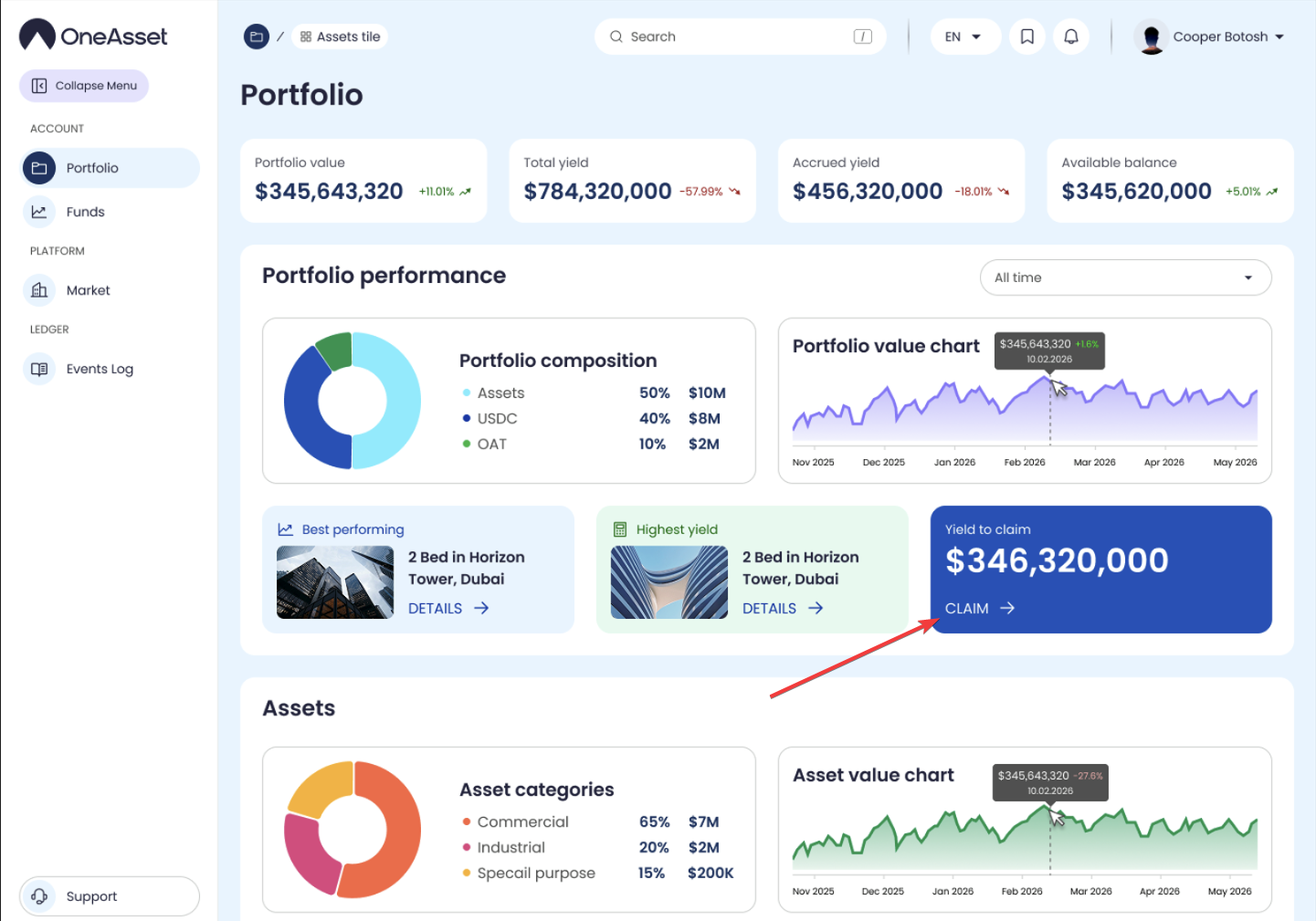
Click Claim next to the property to receive the yield generated by particular property or click Claim All to receive yield generated by all properties.
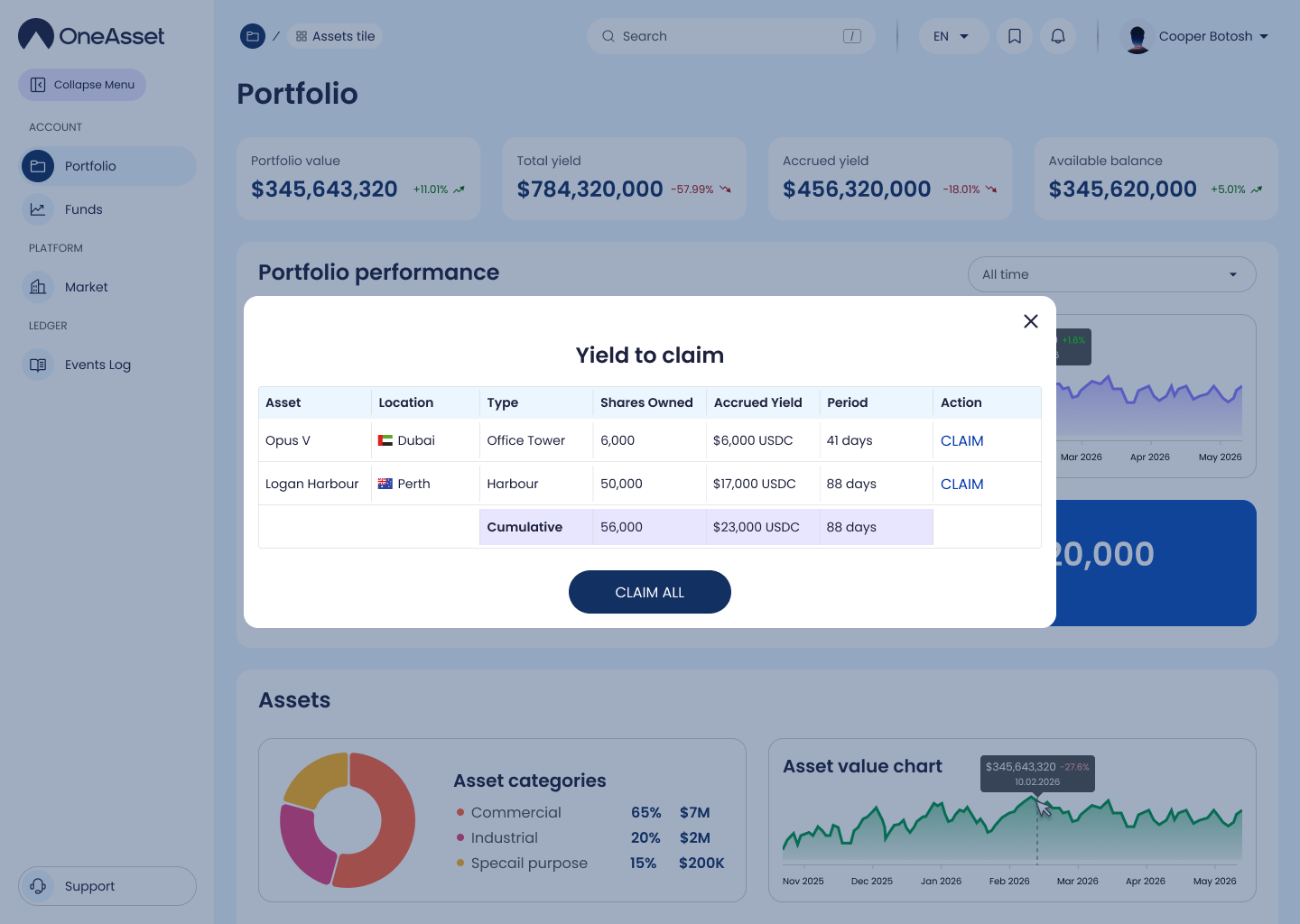
Claimed Yield will be deposited into your OneAsset's USDC Wallet Address.
List shares for sale
From a holding, choose Sell/List, set price and amount, and publish your listing. Your listing will appear in the marketplace until filled or cancelled.
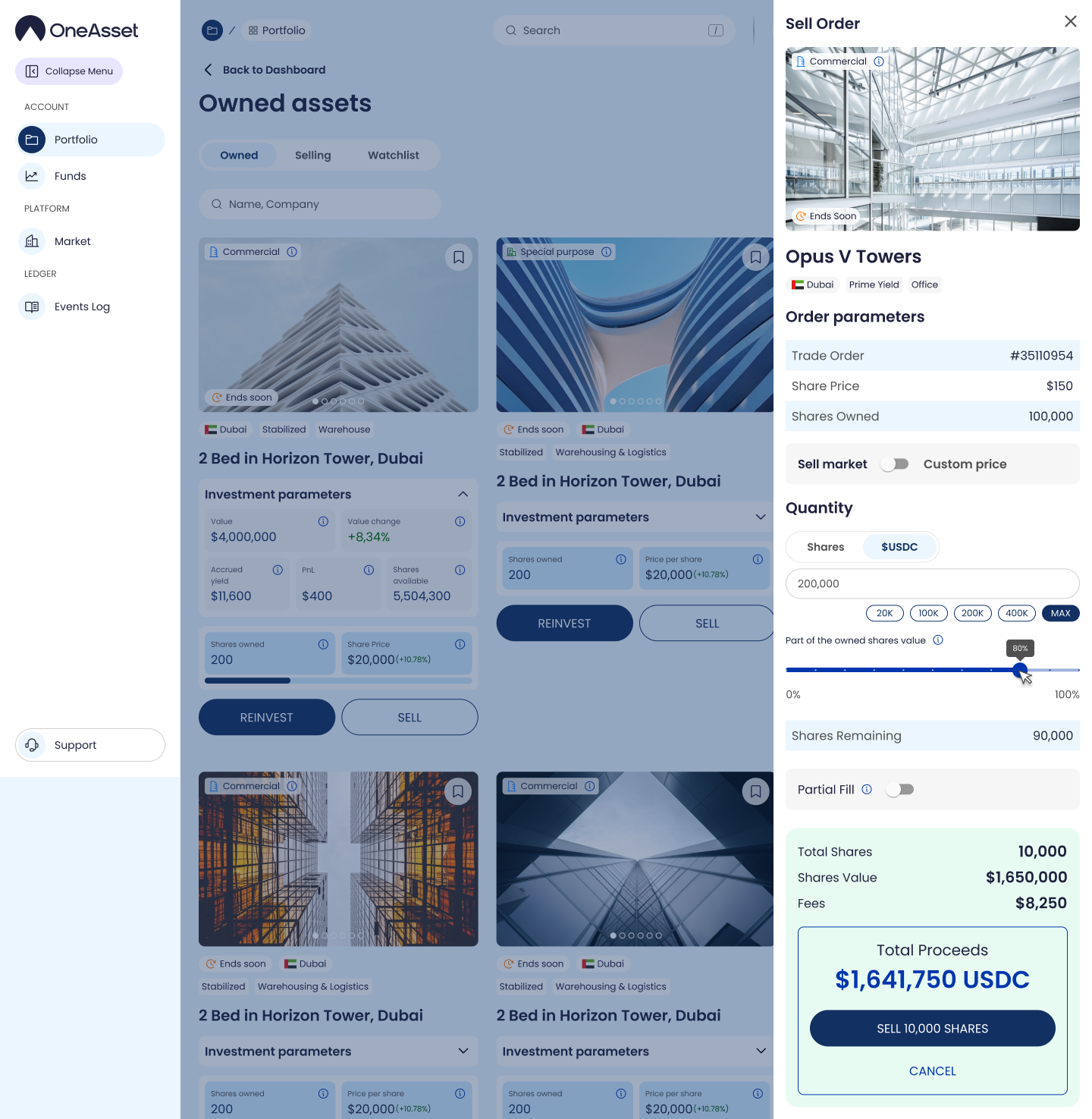
Buy shares from the marketplace
Open the marketplace listing and confirm purchase to buy available shares. Track settlement status in Activity Log and Portfolio.
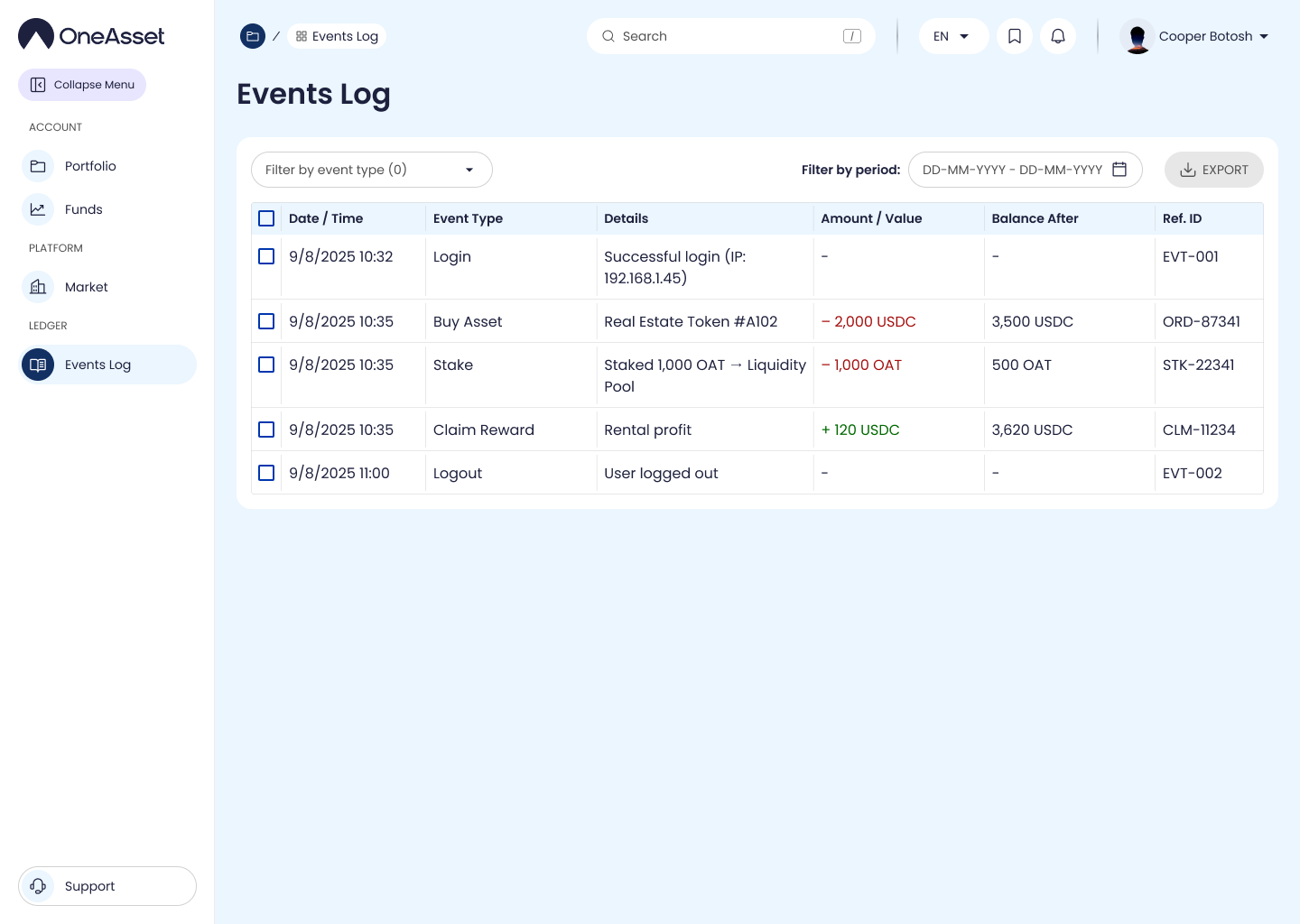
Review Activity Log and notifications
Use Activity Log to audit every important action and its status. Notifications surface key state changes and required actions.
Get support
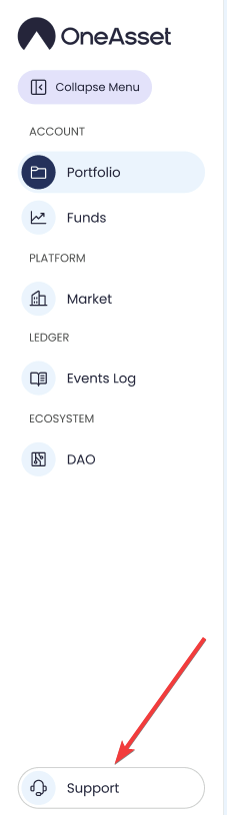
Use Support to access help articles or open a ticket. Include the relevant activity entry/status when reporting an issue.